Assignment 8
3D Scanning
Introduction
3D scanning is the process of analyzing a real-world object or environment to collect data on its shape and possibly its appearance (e.g. colour). The collected data can then be used to construct digital 3D models. A 3D scanner can be based on many different technologies, each with its own limitations, advantages and costs. Many limitations in the kind of objects that can be digitised are still present. for example, optical technology may encounter many difficulties with shiny, reflective or transparent objects.
Process
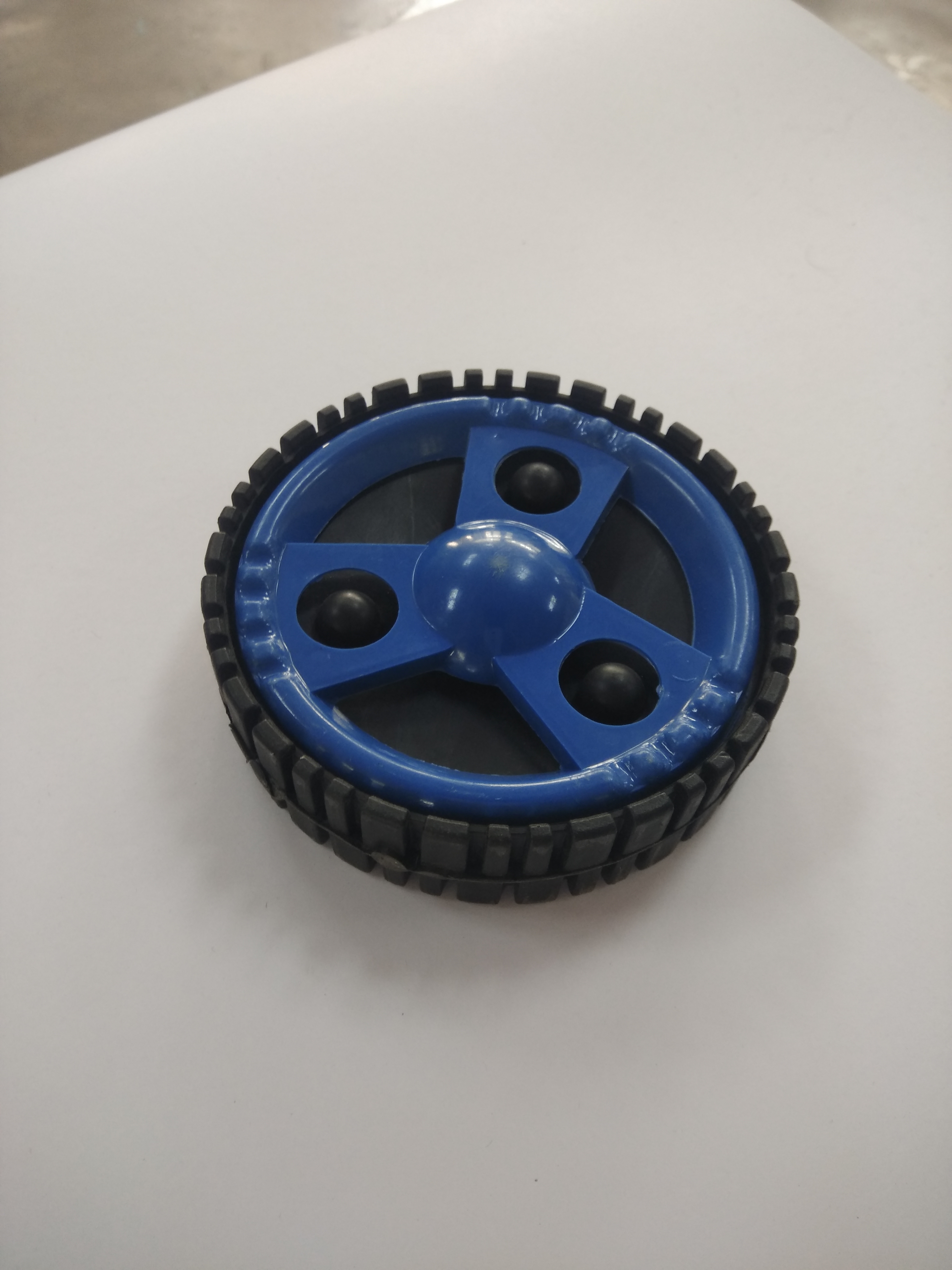
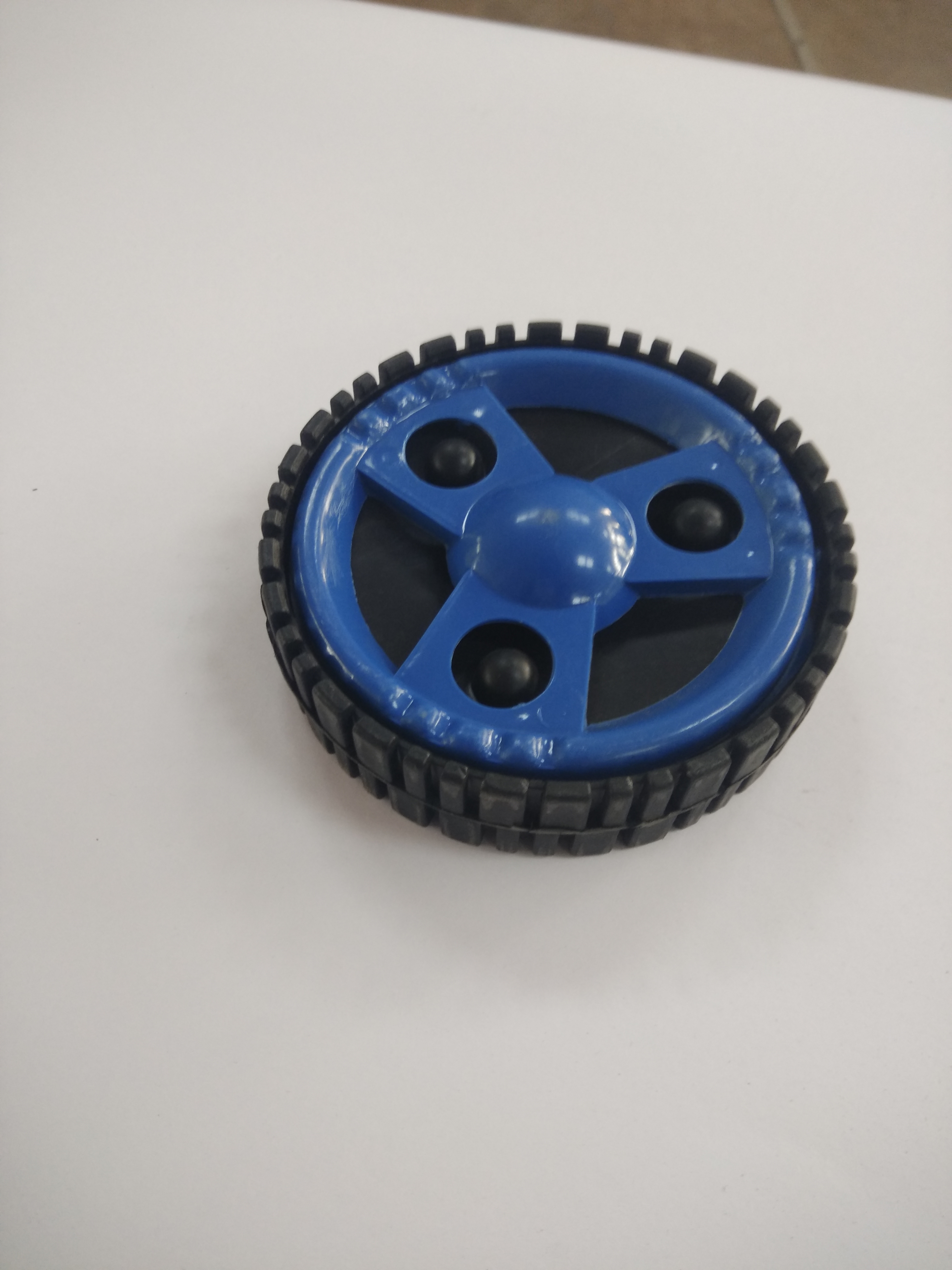
Using mobile camera, around 30-50 photos are taken in 360 degree to cover the whole area of object. Sample photos are given below
3D Zephyr is the software used for processing the images.
3DF Zephyr is a commercial photogrammetry and 3D modeling software. It's a complete photogrammetry pipeline software package that includes many post processing tools for post processing, measurements, 3D modeling and content creation. It allows 3D reconstruction from both photos or videos, by automatically extracting frames and selecting those most suitable for the computation.
1.Open 3DF Zephyr
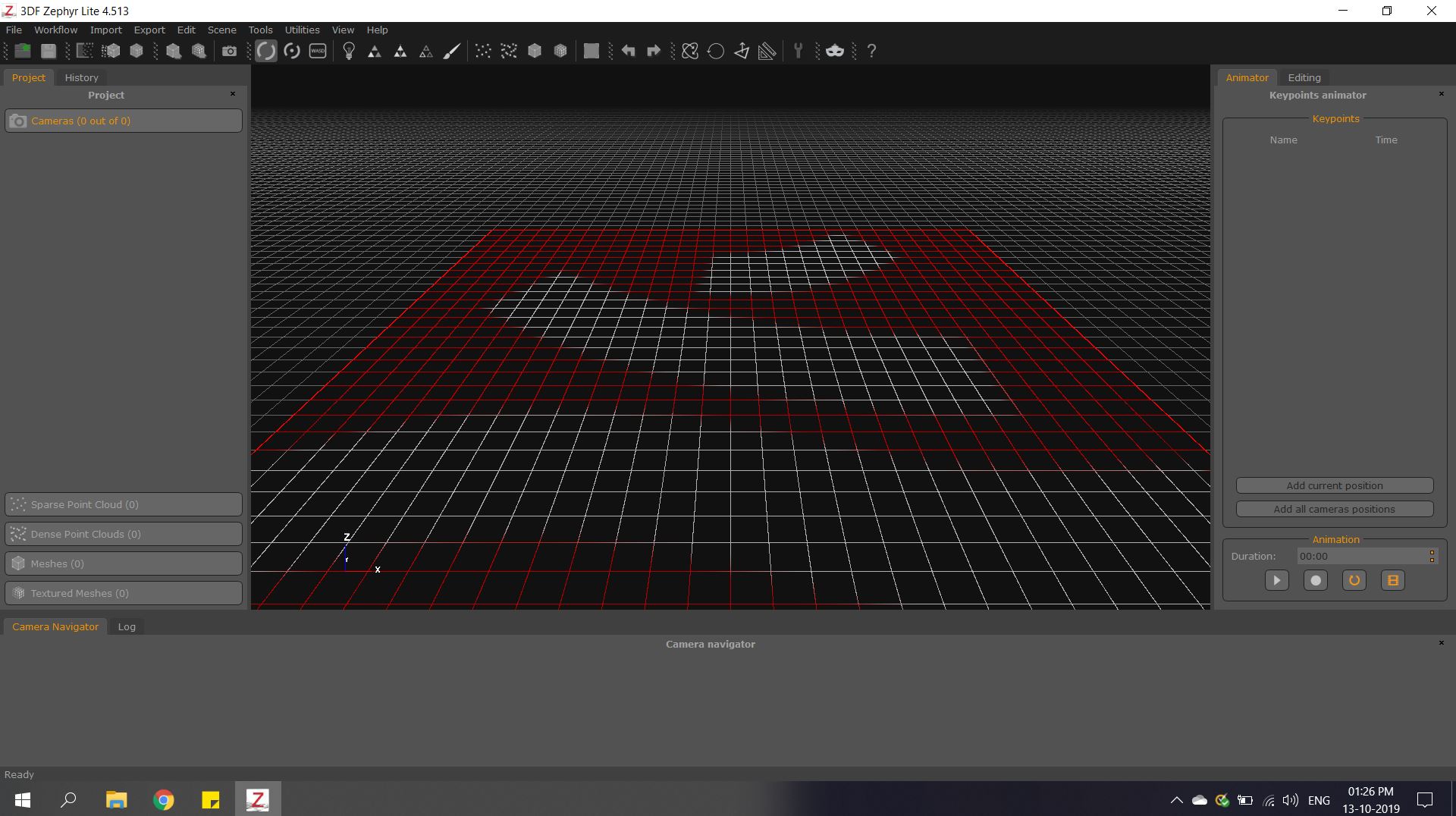
2.Create a new project with selections as shown.
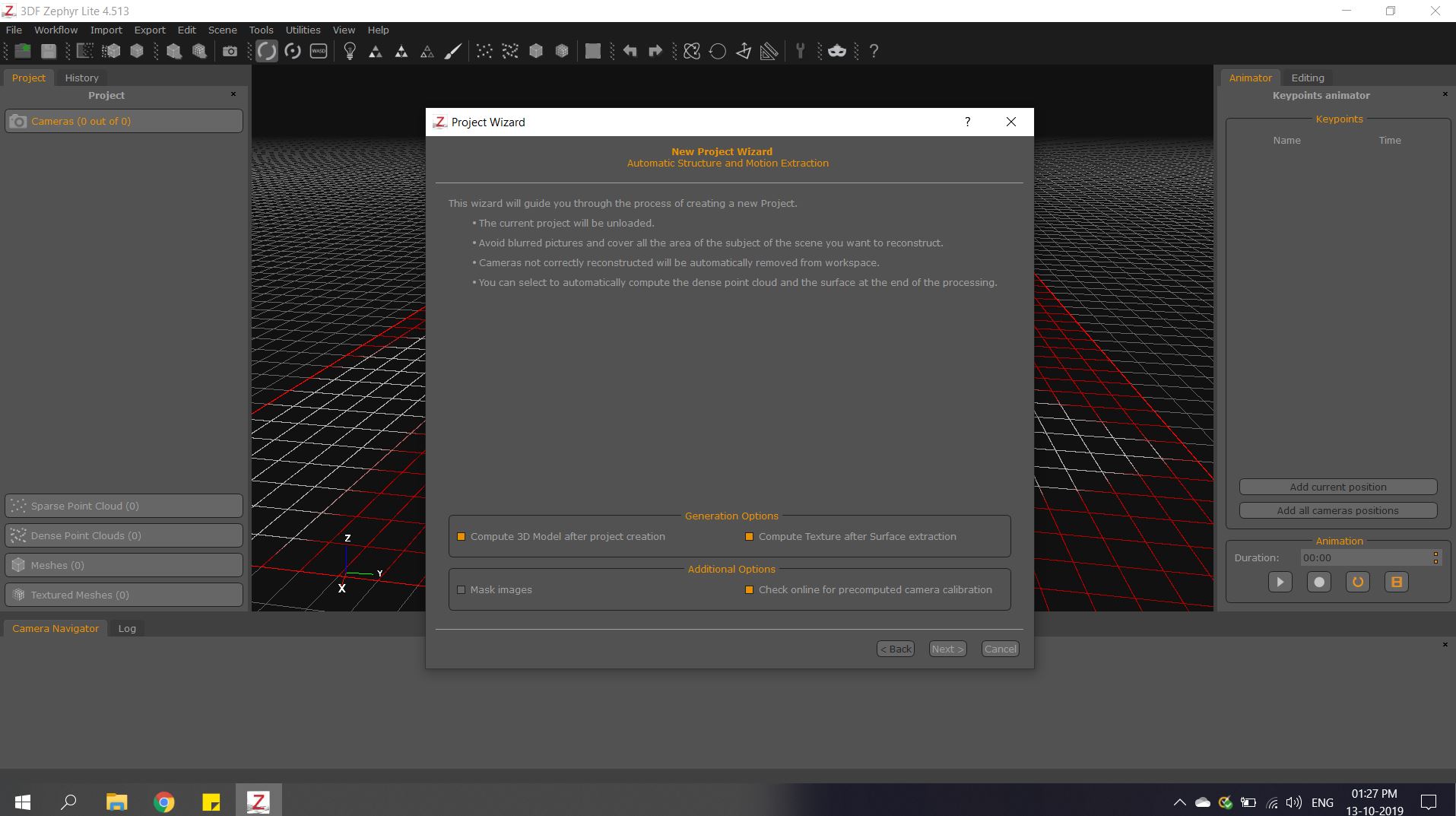
3.Import all the photos/videos taken.
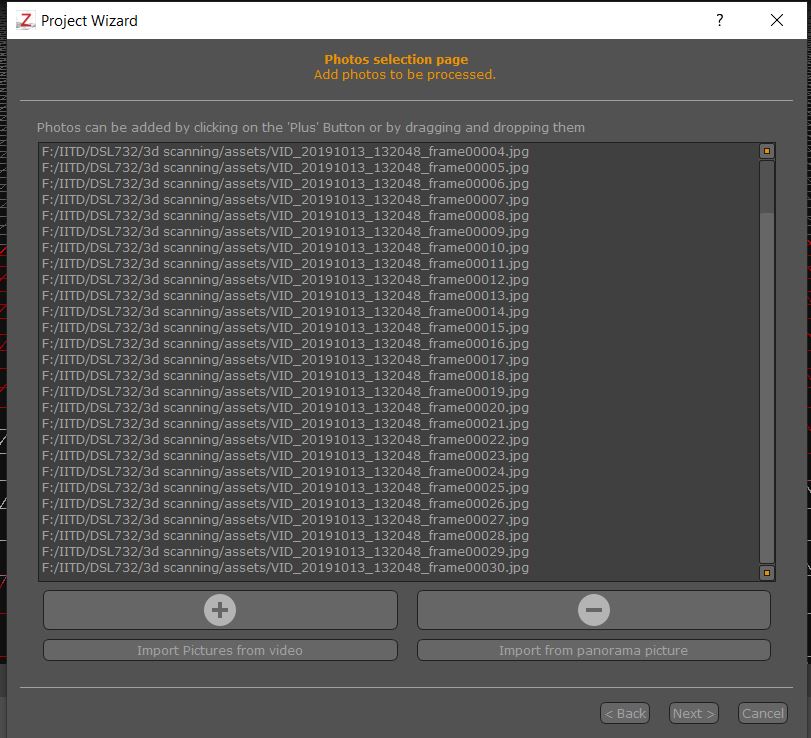
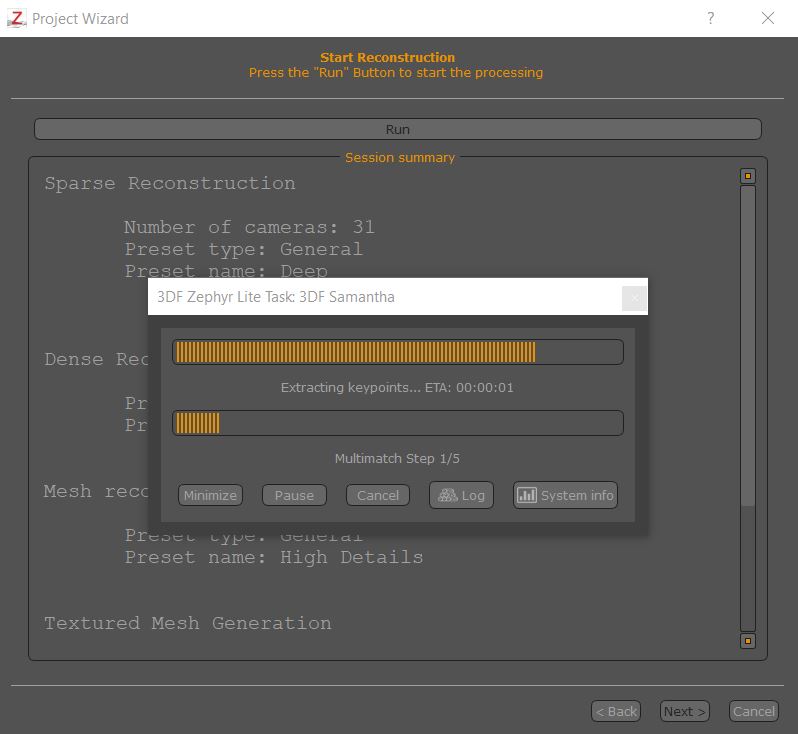
4.Set the render quality and it starts processing the images.
Output
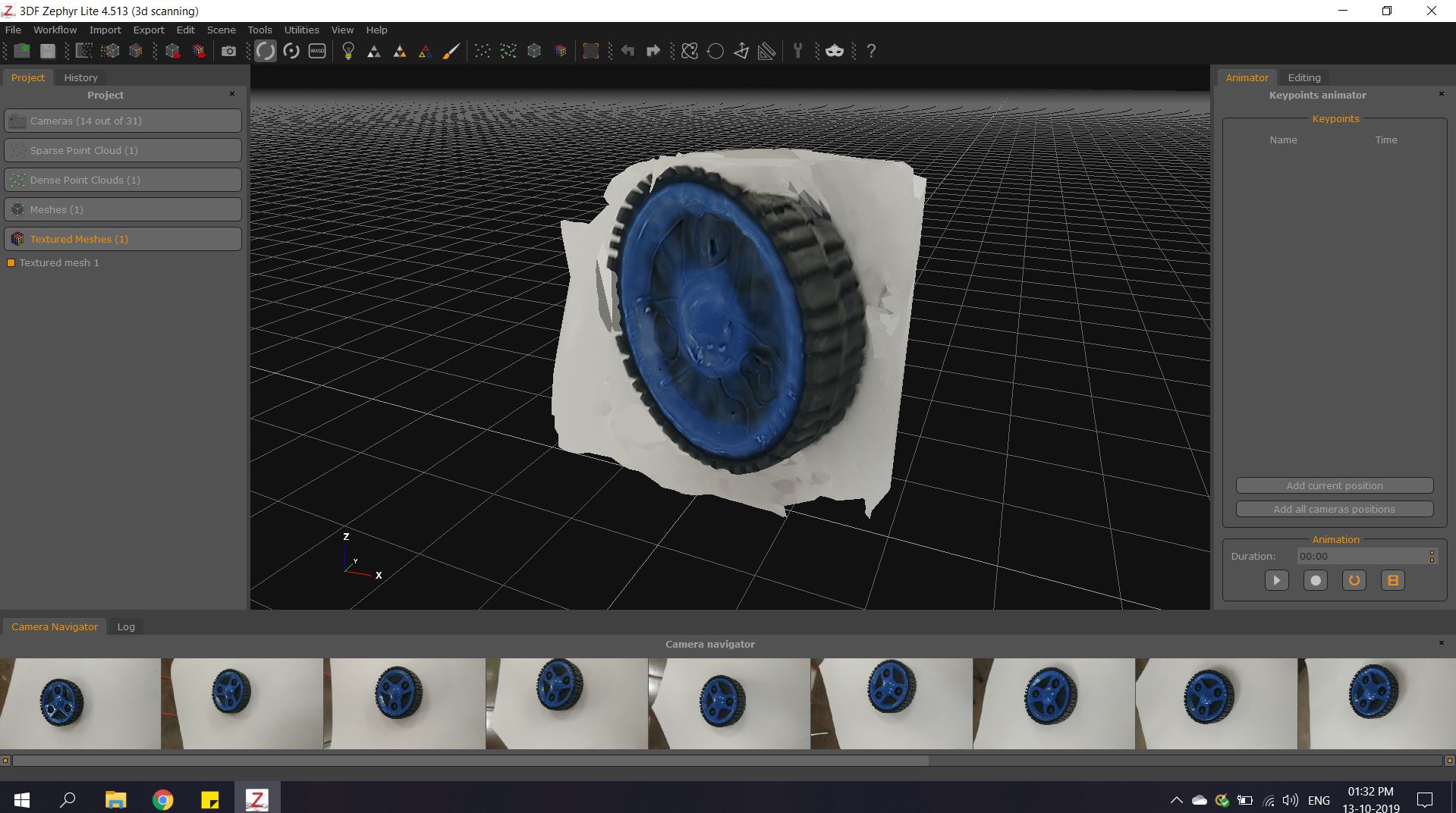
Design files are uploaded below.
Problems faced
1. Number of photos taken determines the quality of render.
2. Photos has to be taken at maximum different angles possible with little bit of swapping in area.
3. First 3D model render was of bad quality because of the elements in the background.