Assignment 11
Big CNC
Introduction
The CNC router is used to fabricate a product using subtractive manufacturing. A computer numerical control (CNC) router is a computer-controlled cutting machine related to the hand-held router used for cutting various hard materials, such as wood, composites, aluminium, steel, plastics, glass, and foams.
CNC routers can perform the tasks of many carpentry shop machines such as the panel saw, the spindle moulder, and the boring machine. They can also cut mortises and tenons. The software used to operate upon the CNC router is Aspire 3D
Aspire 3D Software
Aspire provides a powerful but intuitive software solution for creating and cutting parts on a CNC router. There are tools for 2D design and calculation of 2D toolpaths such as Profiling, Pocketing, and Drilling as well as 2.5D toolpaths including; V-Carving, Prism carving, Moulding Toolpaths, Fluting and even a decorative texturing strategy.
Process
Setting up the machine manually
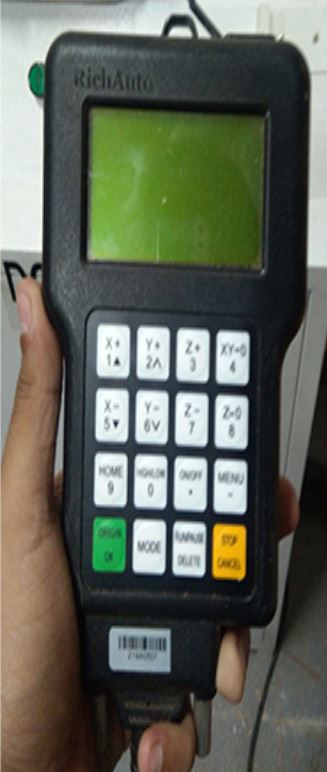
- Set the origin of the drill tool by the hand held controller
- Decrease the z- value gradually until it just touches the material but still able to rotate
- Once the origin has been set, make sure that the material is properly secured on the bed
- Attach the vaccum cleaner module to the cutting tool section

Setting up the Software ASPIRE
- Create the 2D profile to cut in the ASPIRE software
- Go to Tool Path > Material Thickness (17mm) > Toolpath Operation (Pocket or Profile) > Cutting depth (0mm) > Cut depth (17mm) > Select tool (6mm)
- Go to Machine Vactor > Add Tabs > Name the Cut > Calculate.
- Save the WINCNC GCode in .tap format
- Copy this file in a pendrive

Print Command
- Connect the pend drive having .tap file to the hand controller
- Switch on the vaccum cleaner
- Run the machine
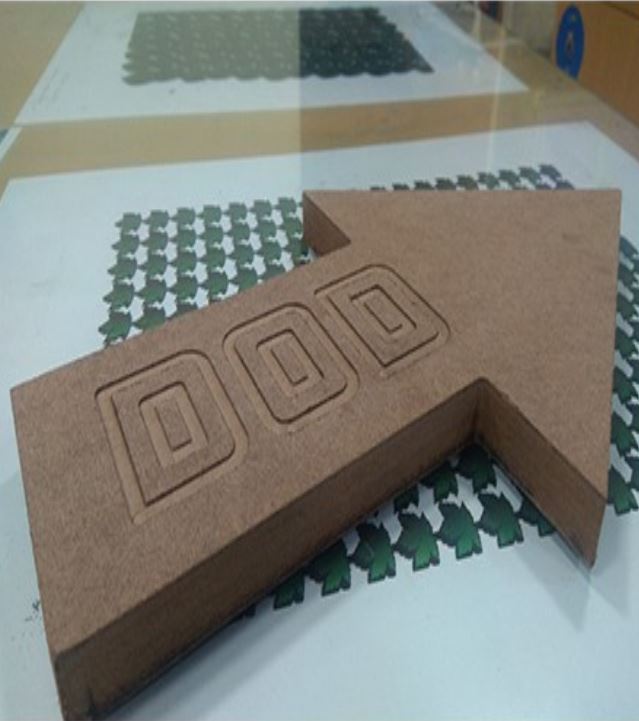
Final Product