
Assignment 9
2D and 3D CAD Modelling
Introduction
Laser cutting uses high power industrial laser to cut nad engrave materials of different kinds, this is typically used for industrial manufacturing applications, now it is also available for techies, schools, small businesses, and hobbyists. Laser cutting works by directing the output of a high-power laser most commonly through optics lens. In this assignment we are using the Epilog laser Fusion m2 laser cutter. We got proper instructions about handling the machine for work and safety precautions to be done before and after use.
We are using CORELDRAW for making our 2D file. You can even import files from other softwares in 2d line format. Also, below we have mentioned formats supported by coreldraw.
DXF, DWG, EPS, PS, PRN, PDF, SVG/Z, CPT, PNG, JPG, TIFF, GIF, BMP, RAW, ARW, CR2, CRW, DCR, DNG,
But for the output of laser cutter we have can only give .CDR, so after creating or importing in coreldraw any diagram we should make sure that the final file will be saved or done in corelDraw. I prefer creating diagram in coreldraw itself or using .PDF file for importing.
Process
The penstand file is generated which consists of 11 parts, before making diagram we must have a clear visualisation about the product which we are going to model, modelling its views in 2d is tricky process. Now the most important step is material selection. Below we have mentioned the material which we have used.
You can download file Here CorelDraw pen stand.cdr

Material selected- M.D.F Thickness-2.3mm
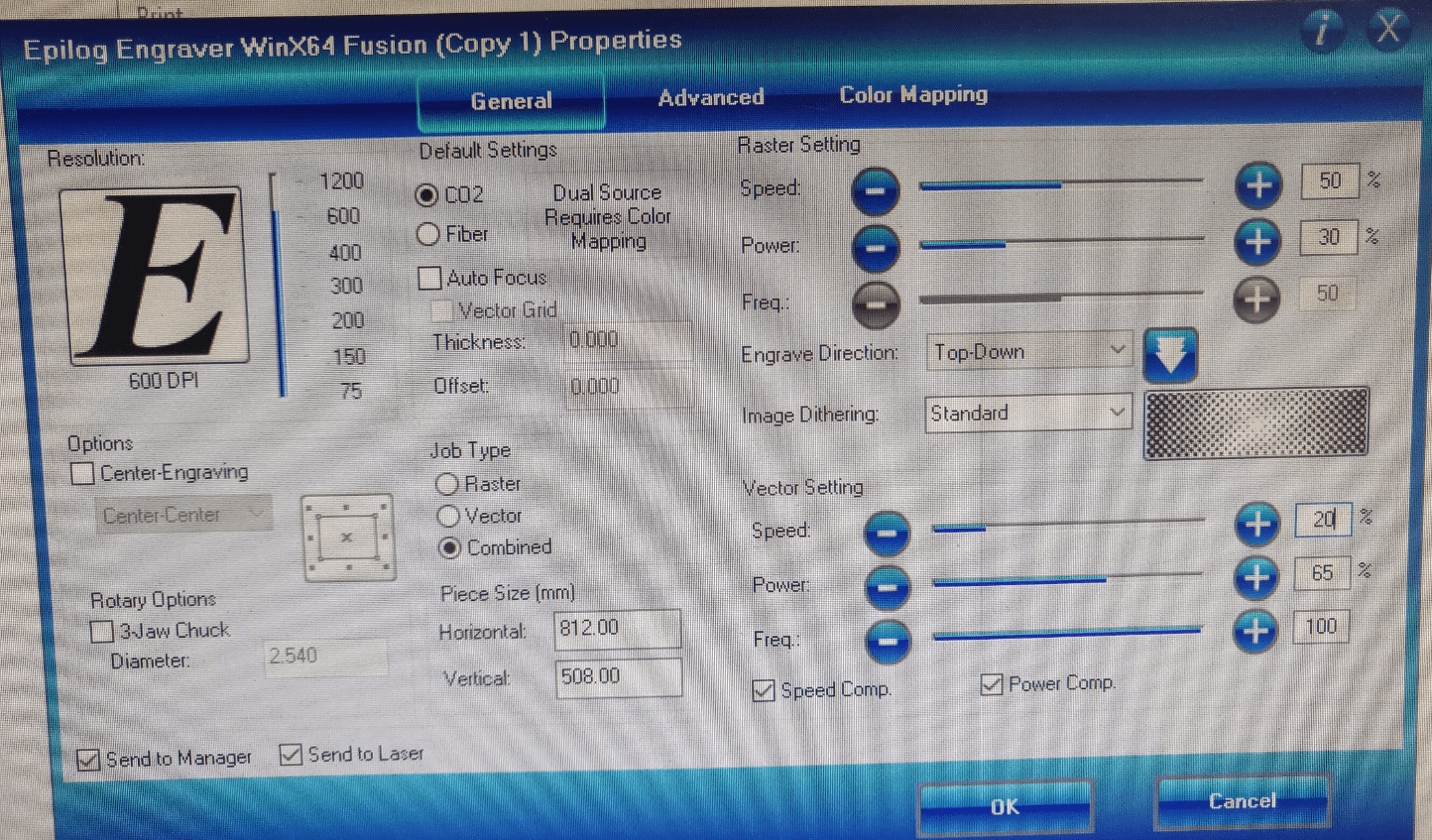
As we are making a press fit, so we should take dimensions of parts in such a way that the pressfit should intact with proper tolorence. In our case we have kept dimension 2.3mm (extruded part) and 2.25mm (cavity or hole). Lots of other parameters also taken into consideration for better tolerence such as power and speed of laser. We must adjust power setting of laser speed accordingly.
Setting Power
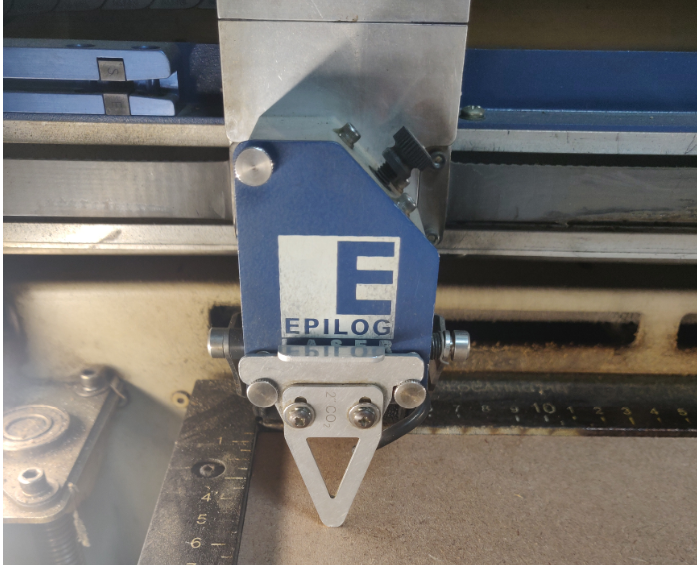
Setting Focus
Laser Cutting
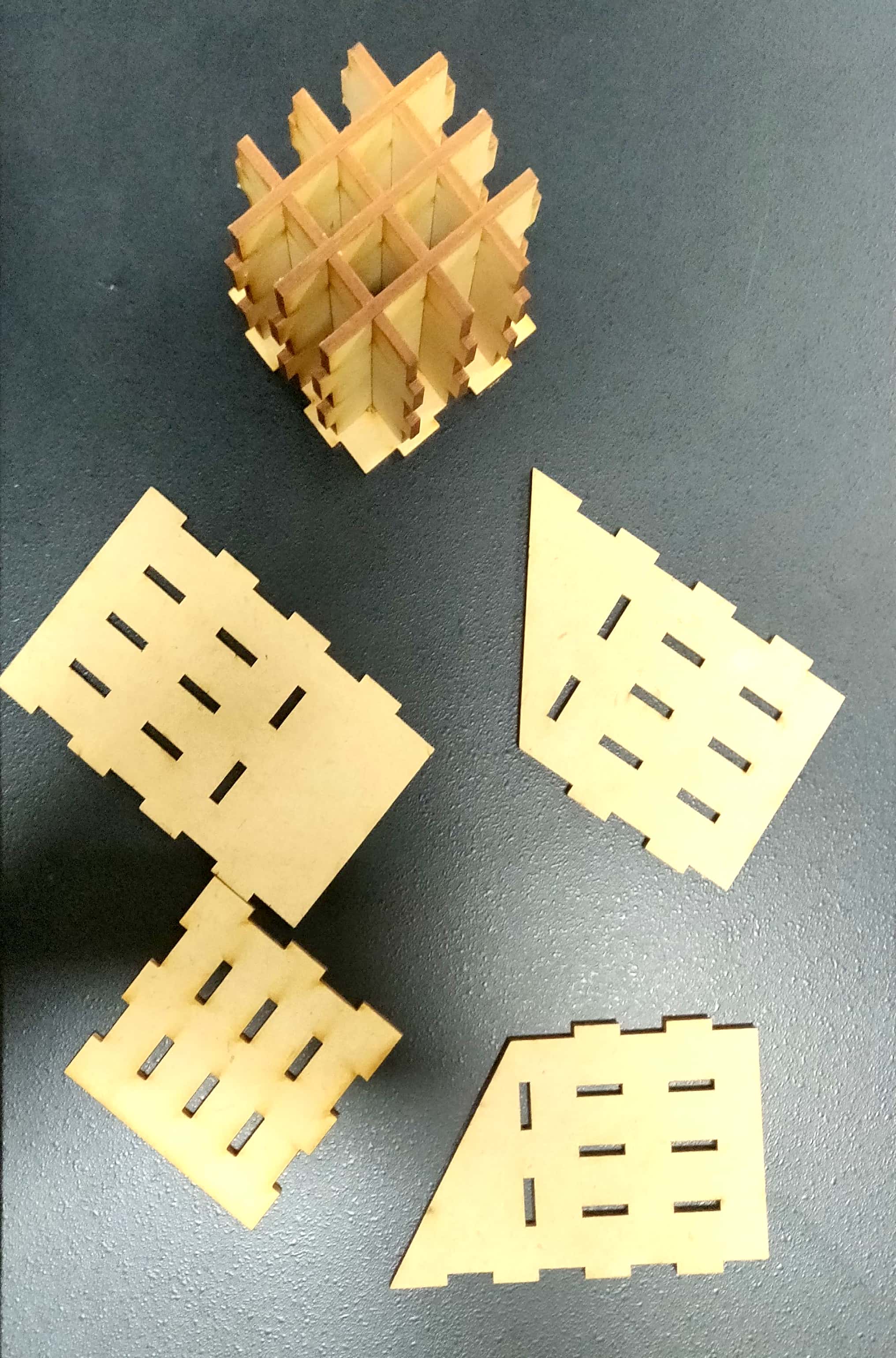
Cut Parts- Pen Stand
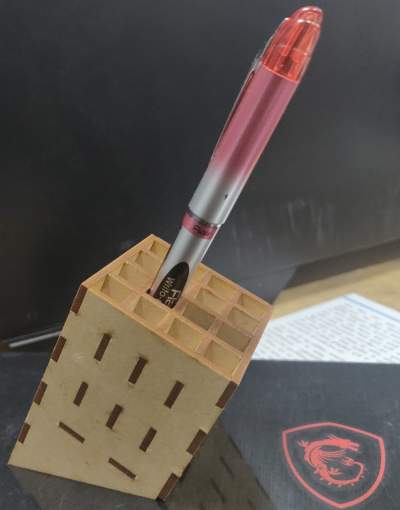
Final Product- Pen Stand
This project is prepared with Gulshan kumar