Website Development

1.) Softwares used
Here are the softwares that I have used
- Bootstrap : Bootstrap is a open source website which provides web templates for personal and professional use.
- Mamp : It is used to test the files on our local browser before we upload it on the actual server. This is extremely helpful because uploading files again and again on the server is time consuming.
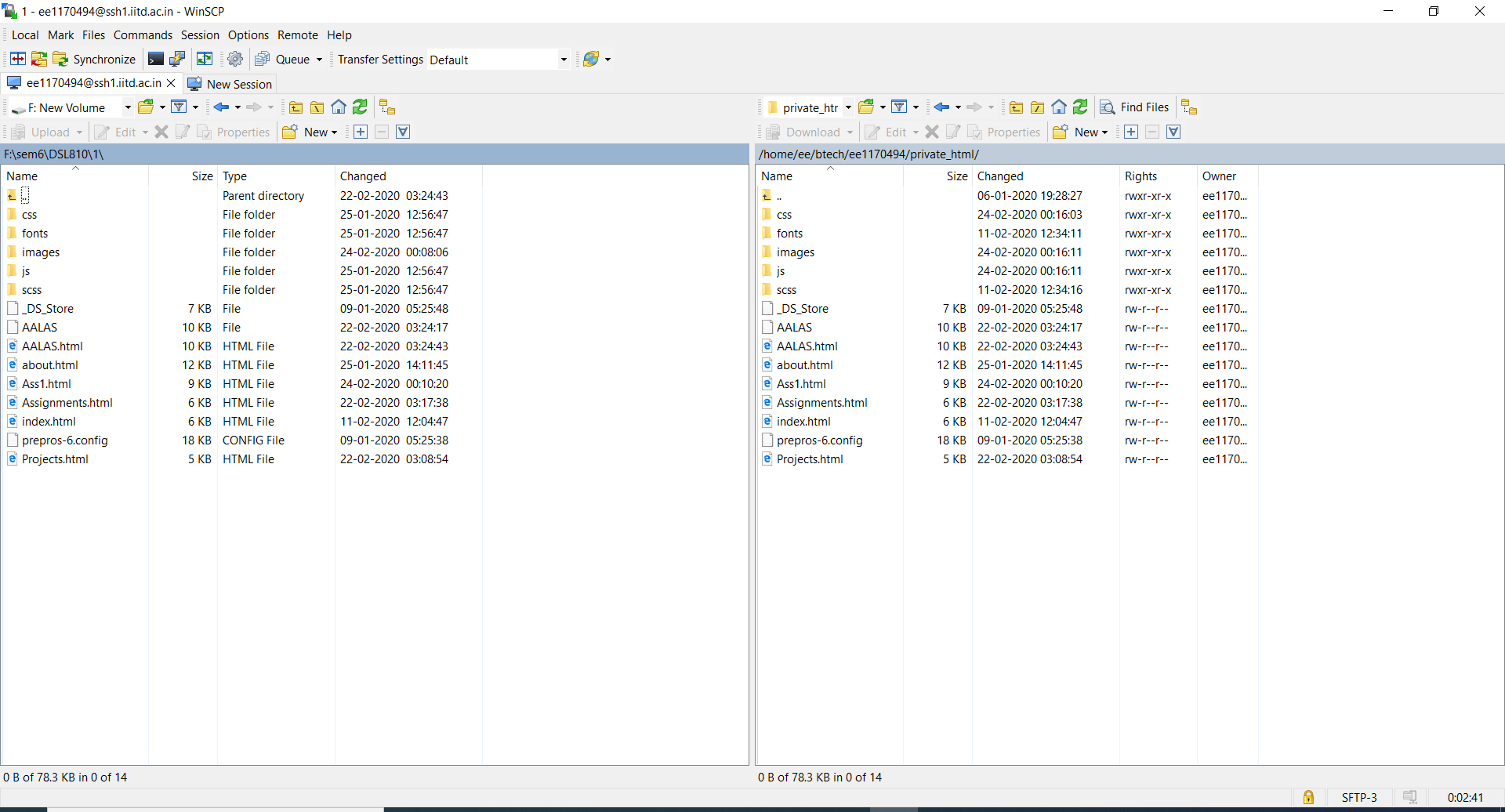
- WinSCP : A free and open-source client for Microsoft Windows. Its main function is secure file transfer between a local and a remote computer.
- Sublime Text : A free software used for coding.
- Imagemagick : A free and open source software suite for editing rastor and vector image.
- Kdenlive : A free and open source video editing software.
2.) LEARNING OF BASIC HTML CODES
HEADING TAG - HTML headings are defined with the < h1 > to < h6 > tags. < h1 > defines the most important heading. < h6 > defines the least important heading.
PARAGRAPH TAG - HTML paragraphs are defined with the < p > tag.
LIST TAG - HTML lists are defined with the < ul > (unordered/bullet list) or the < ol > (ordered/numbered list) tag, followed by < li > tags (list items).
IMAGE TAG - HTML images are defined with the < img > tag. The source file (src), alternative text (alt), width, and height are provided as attributes.
LINK TAG - HTML links are defined with the < a > tag.
VIDEO TAG - The < video > tag specifies video, such as a movie clip or other video streams.
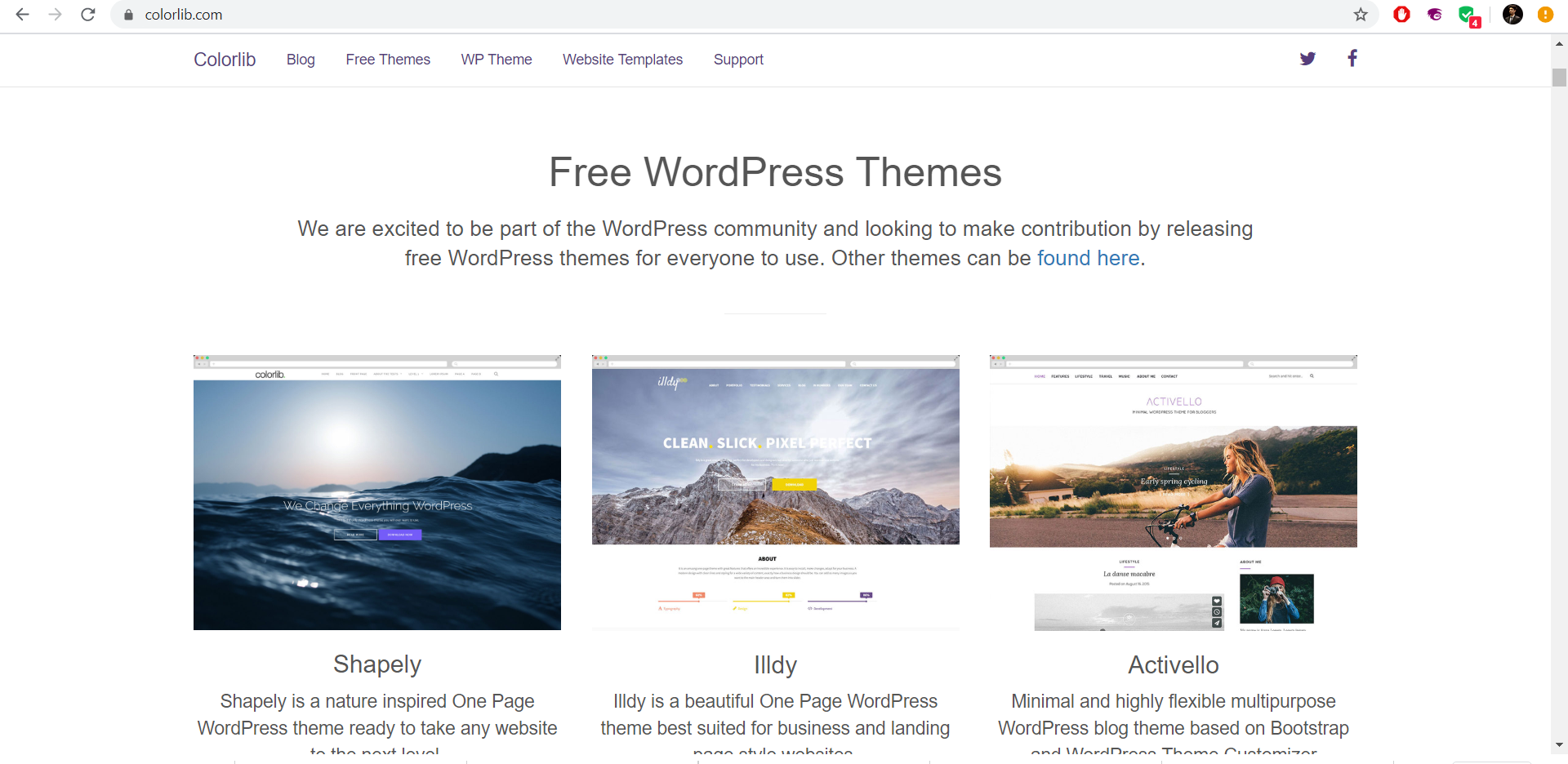
3.) Choosing An Online Tempelate
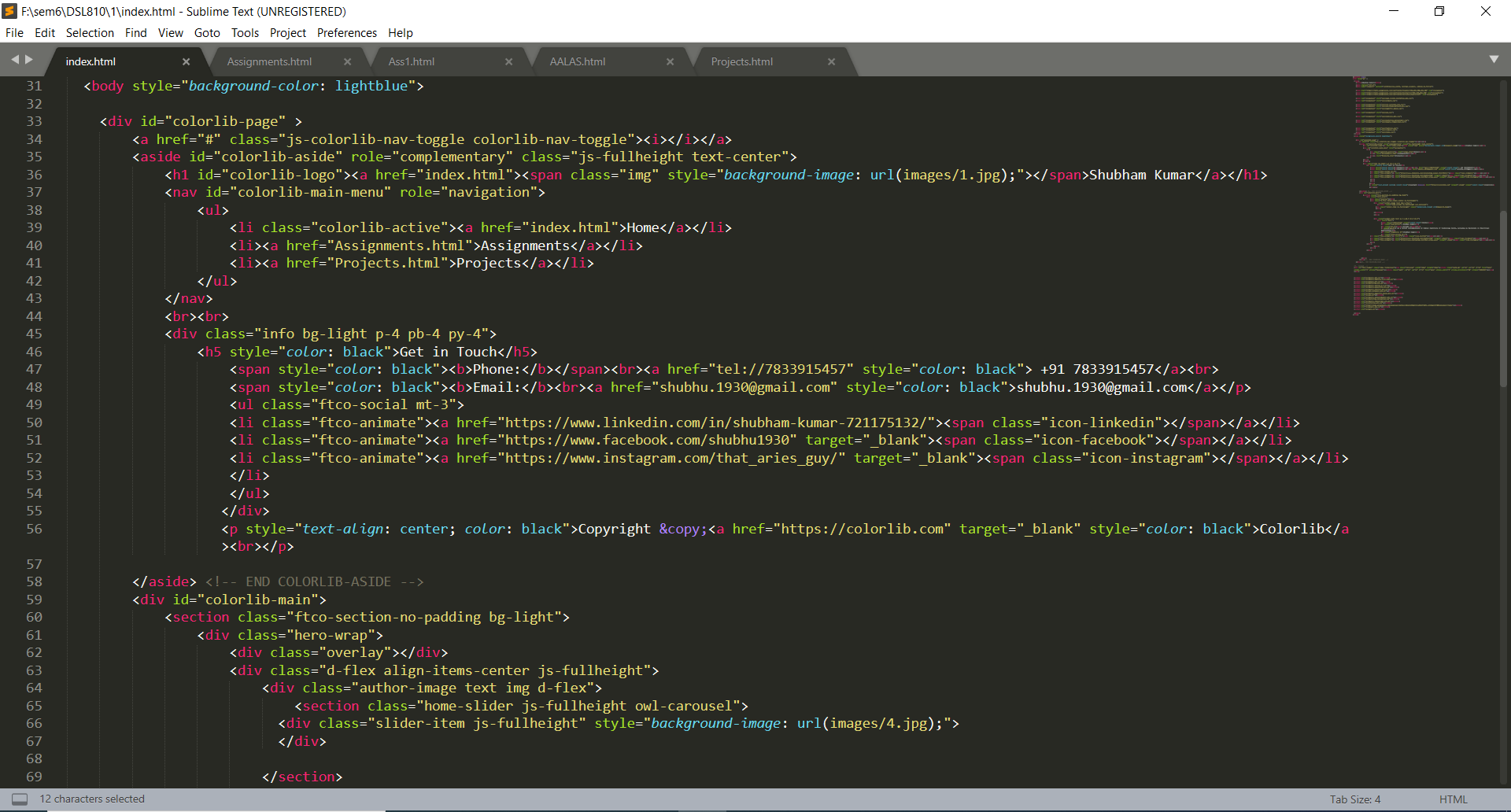
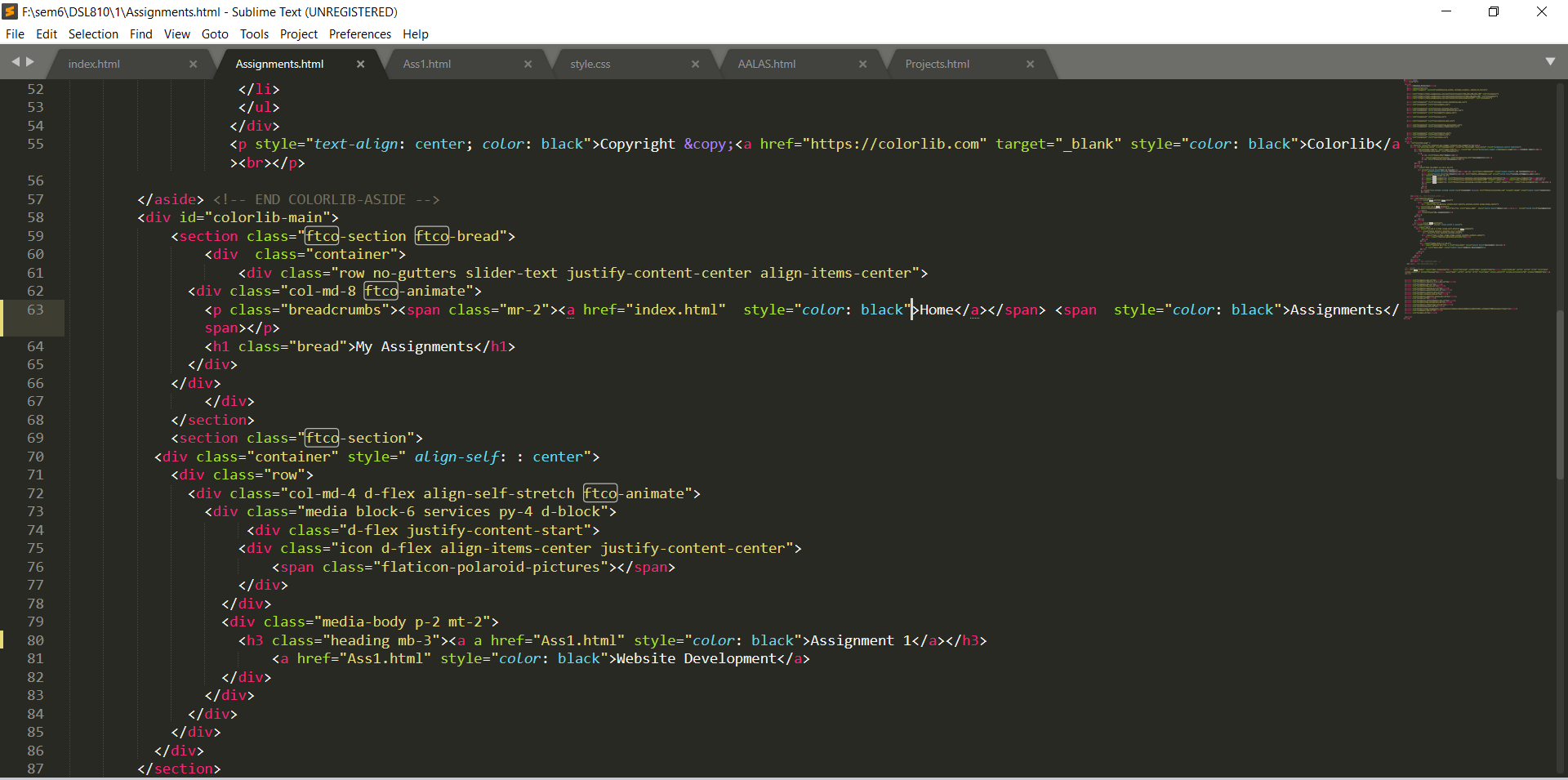
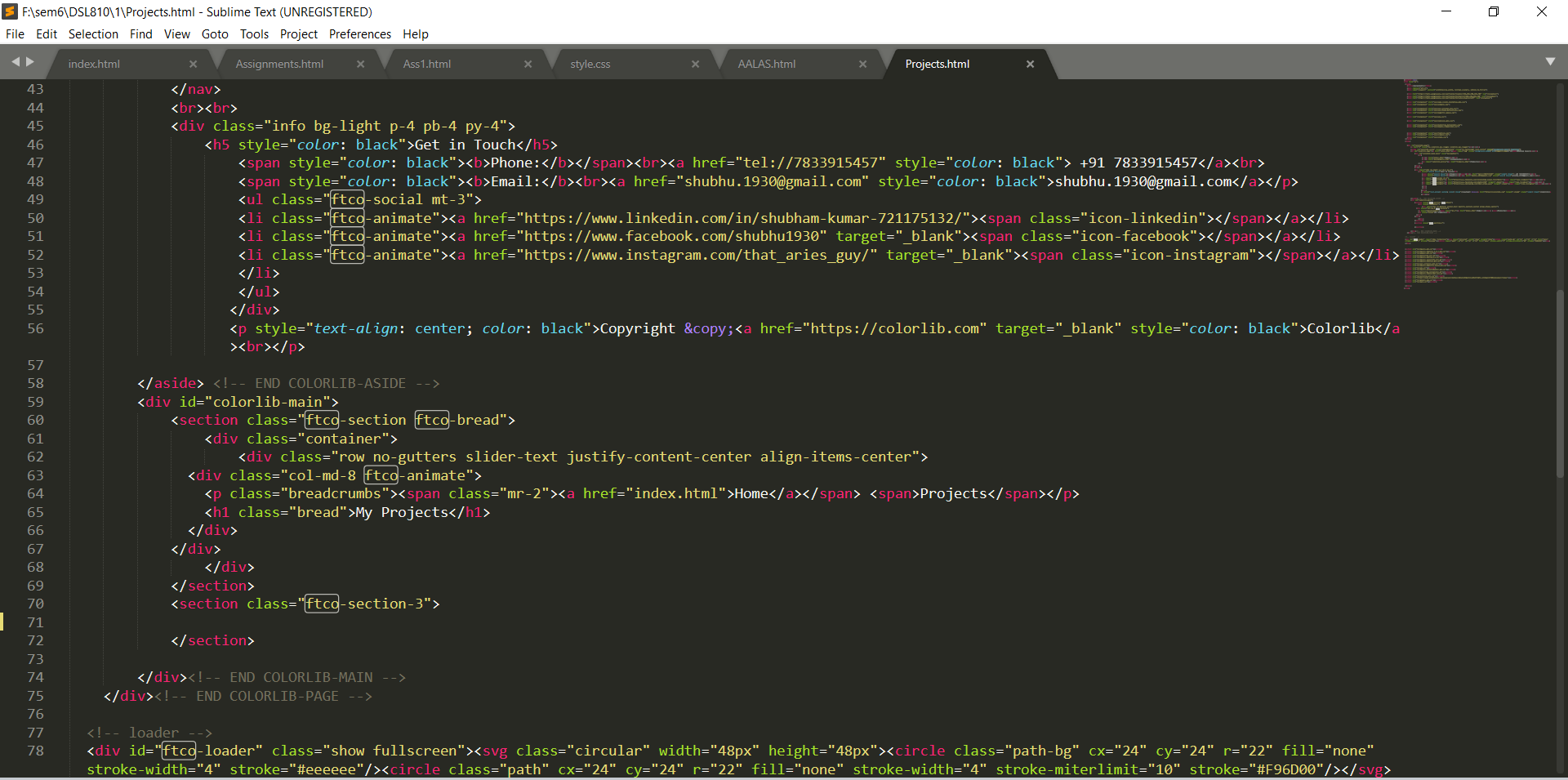
4.) Editing the Html Files
- index.html
- Assignments.html
- Projects.html
- Open ImageMagic.
- Click on Open icon to open file needs to be compressed.
- Choose jpg file, Click on "Open".
- Goto View Select Resize Enter values of width and height(Values must be less then previous values).
- Click Ok Save the File in your Desired location.
5.) Compressing the Images
Compressing Images is very important before uploading thr files to the server, As the images may not get loaded in the webpage.
One can easily compress images using following steps.
6.) Uploading file to the IITD Server
WinSCP is used to upload html files to the web server of IITD.
7.) Final Website
This is the Home page of Final Website.