01
Approach
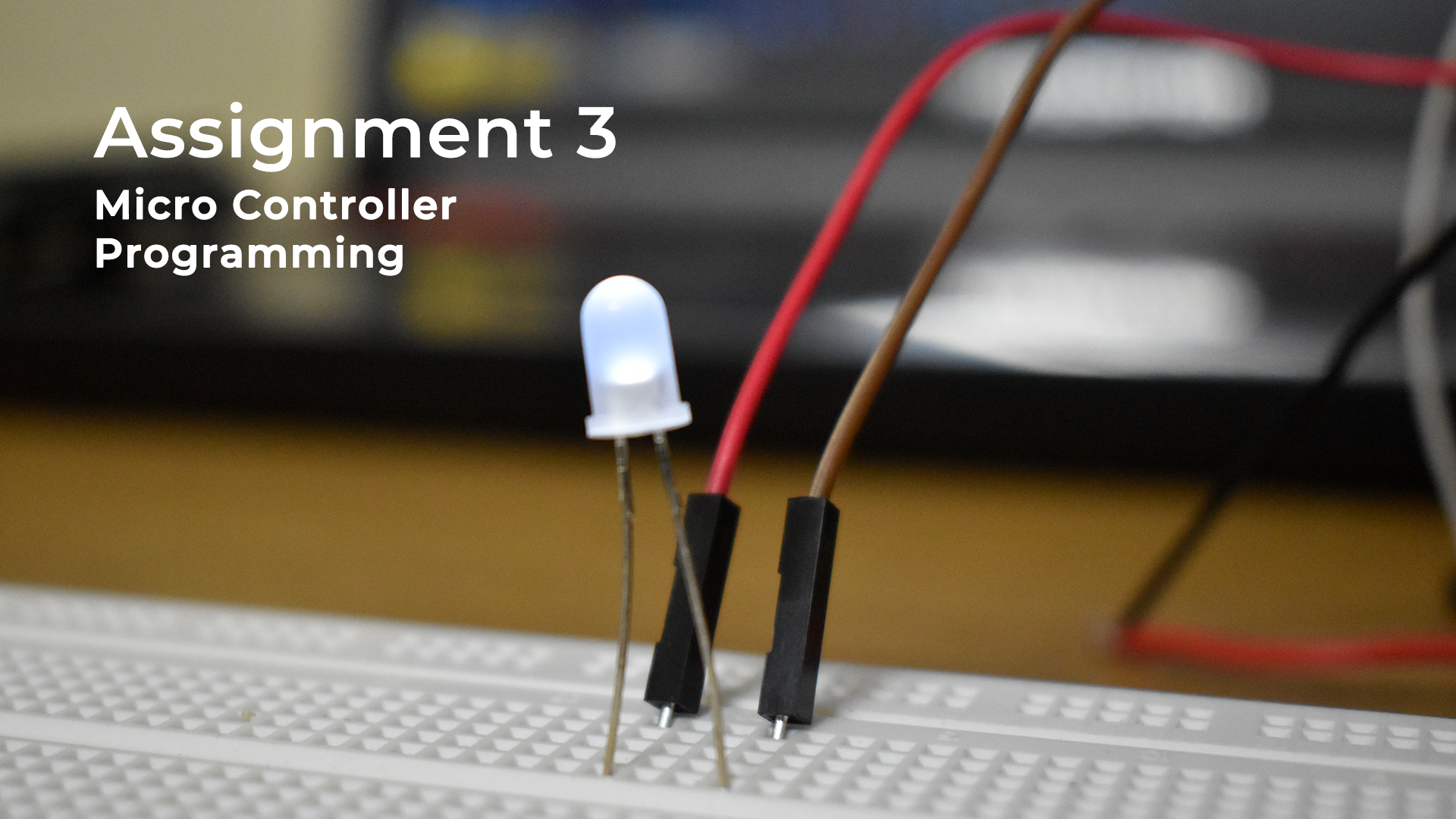
The aim of the project was to build an interface to control output devices such as LEDs and Buzzer using micro-controller programming. The interface was made using Processing IDE. The micro-controller used was Arduino Uno.
02
Functions & Video
Infrastructure of Arduino provides with the serial communication tool which can be used,
among other things, to interface a GUI with the IoT application using Processing. I made
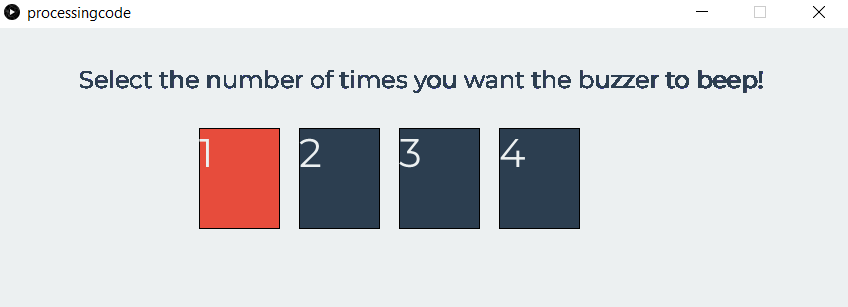
four buttons which interact with Arduino COM11 port at 9600bps. The buttons when pressed
make the buzzer beep and the LED glow for a fixed number of time mentioned in the button
itself. I also added few extra functions, such as the button change their color to red when
pressed. I also added a help text at the top of the interface and changed the font everywhere
to Montserrat using Pfont library. The code can also run through built in serial monitor of
Arduino using "1","2","3","4" commands.
Here's a video recorded while using the interface:
03
Circuit and Interface
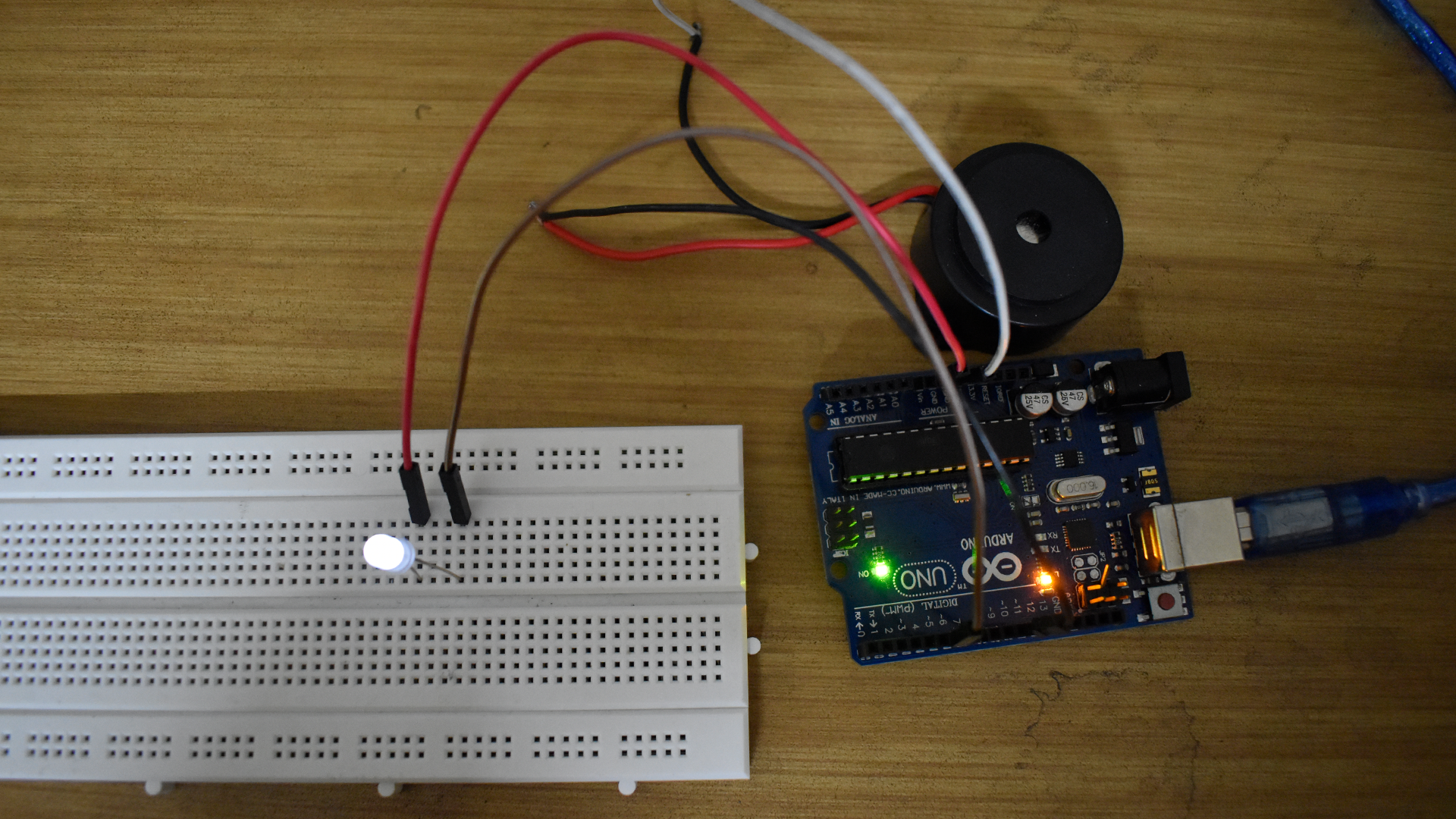
Here's a picture of the circuit for the assignment.
Here's a picture of the Processing interface for the assignment.
04
The Code
The files for the Arduino code and the Processing Code are as follows:
1. Arduino Code
2. Processing Code