

The first Assignment in DSL810: Prototyping in IoT, was to build a website. Basic concepts of HTML, CSS, and JavaScript were discussed in class, as well as relevant links were provided for practice. The main objective of the website was a basic introduction of the student and a section for assignments as well as a project. In this section, I'd describe the steps I followed while making my first website.
Having no prior experience in Web Development, I first went through the tutorials provided on the website: w3schools.com. The site has tutorials for various functionalities of HTML and CSS. I tried the exercises of most of the HTML and CSS functionalities thoroughly, to get a basic understanding of how the code is working. After that, I skimmed through the JavaScript section as well. Having learned the basics of the syntax and properties of Web Development, I watched multiple tutorials for HTML, CSS, and JavaScript on YouTube. After a week of practice, I was good to go, to work on a pre-existing template for web development.
First Attempt
I first used a code for a website made by my schoolmate: Siladityaa Sharma. He's currently pursuing his Bachelor in Design from the ArtCenter College of Design. I made changes to his HTML and CSS files, and came up with a portfolio webisite of my own.
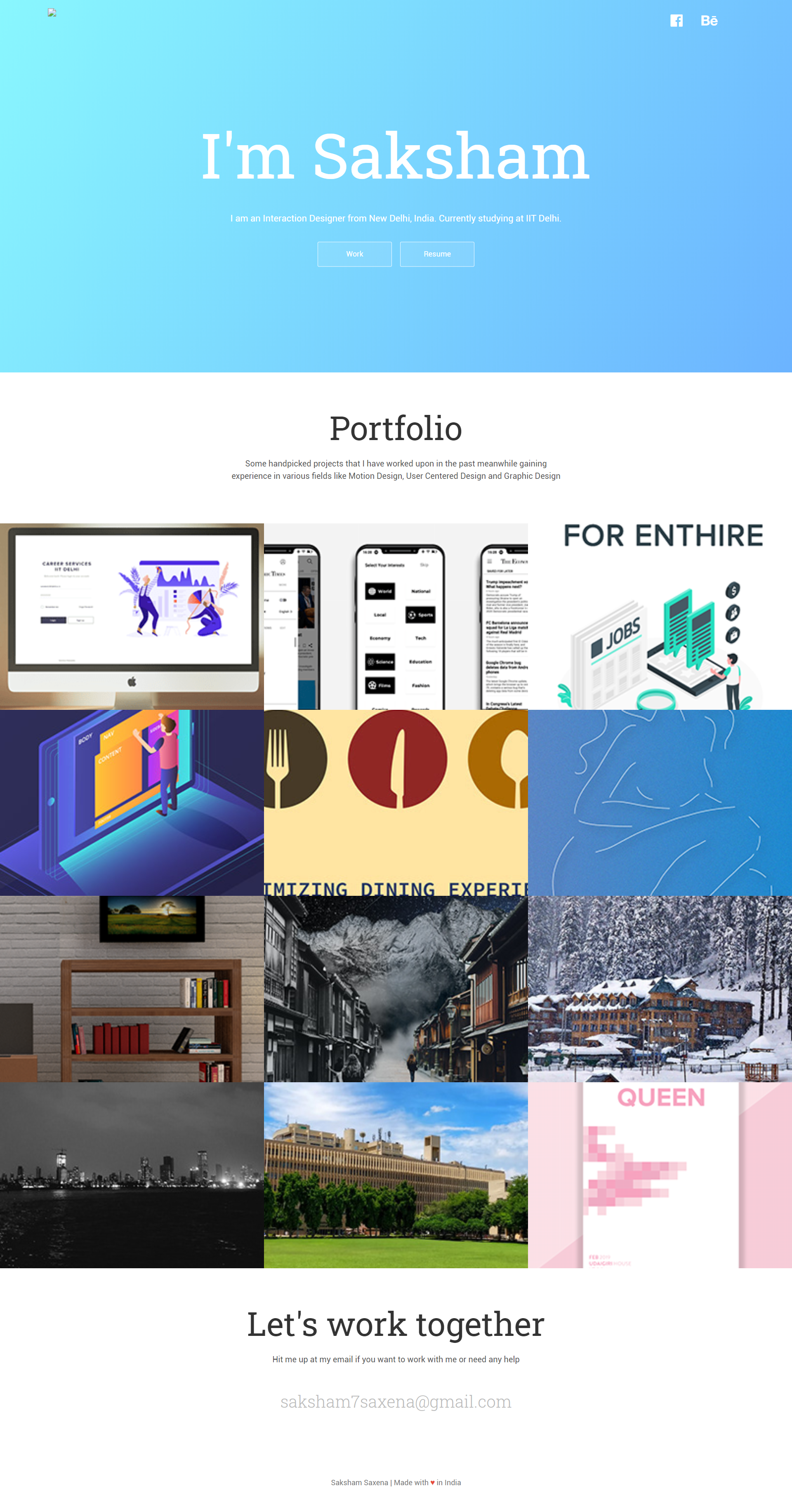
Although the interface of the website looked minimal and aesthetic, there's wasn't much scope to add a lot of attributes. As I had to include sections for Assignments as well as project, I had to look for another template.
Second Attempt
I chose a new template available on "ColorLib", to add more functionalities to the design I had in my mind. I changed most of the aspects of the template to make it more personalized so that I was able to build my first website.

Softwares Used
Here is the list of softwares that I used to make the website:
• Sublime Text
Sublime Text is a sophisticated text editor for code, markup and prose. It has a slick user interface, extraordinary features and amazing performance. The code of HTML, CSS and JavaScript was edited on this software.
• MAMP
MAMP stands for ‘Mac Apache MySQL PHP’. It is used to test the files on our local browser before we upload it on the actual server. This is extremely helpful because uploading files again and again on the server is time consuming. MAMP gives instant editing results.
• WinSCP
WinSCP is a free and open-source client for Microsoft Windows. Its main function is secure file transfer between a local and a remote computer.
• Adobe Illustrator
DescriptionAdobe Illustrator is a vector graphics editor developed and marketed by Adobe Inc. This was used to design the graphic elements used in the website.
Key points learned
Here are some of the key points learned during the process:
• HTML
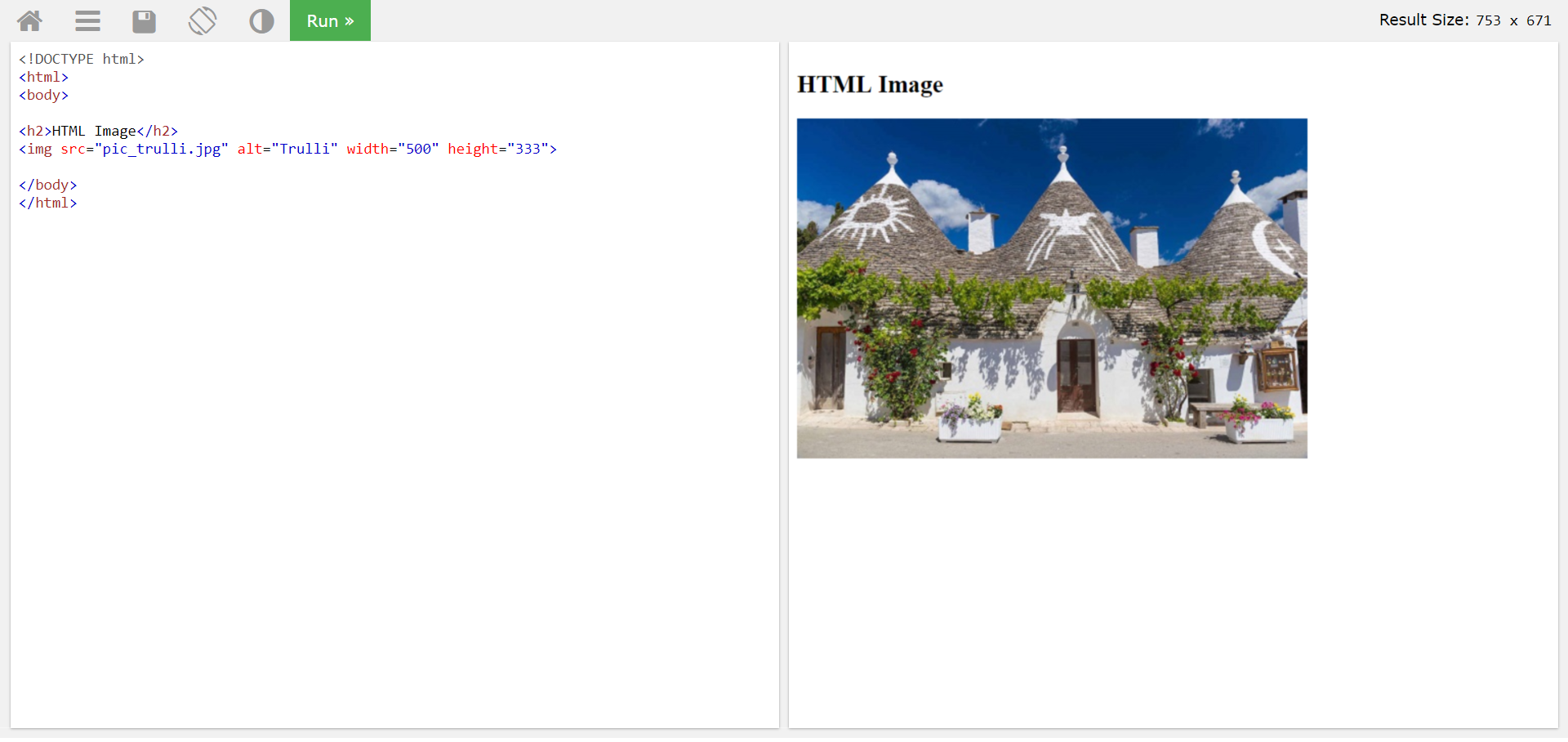
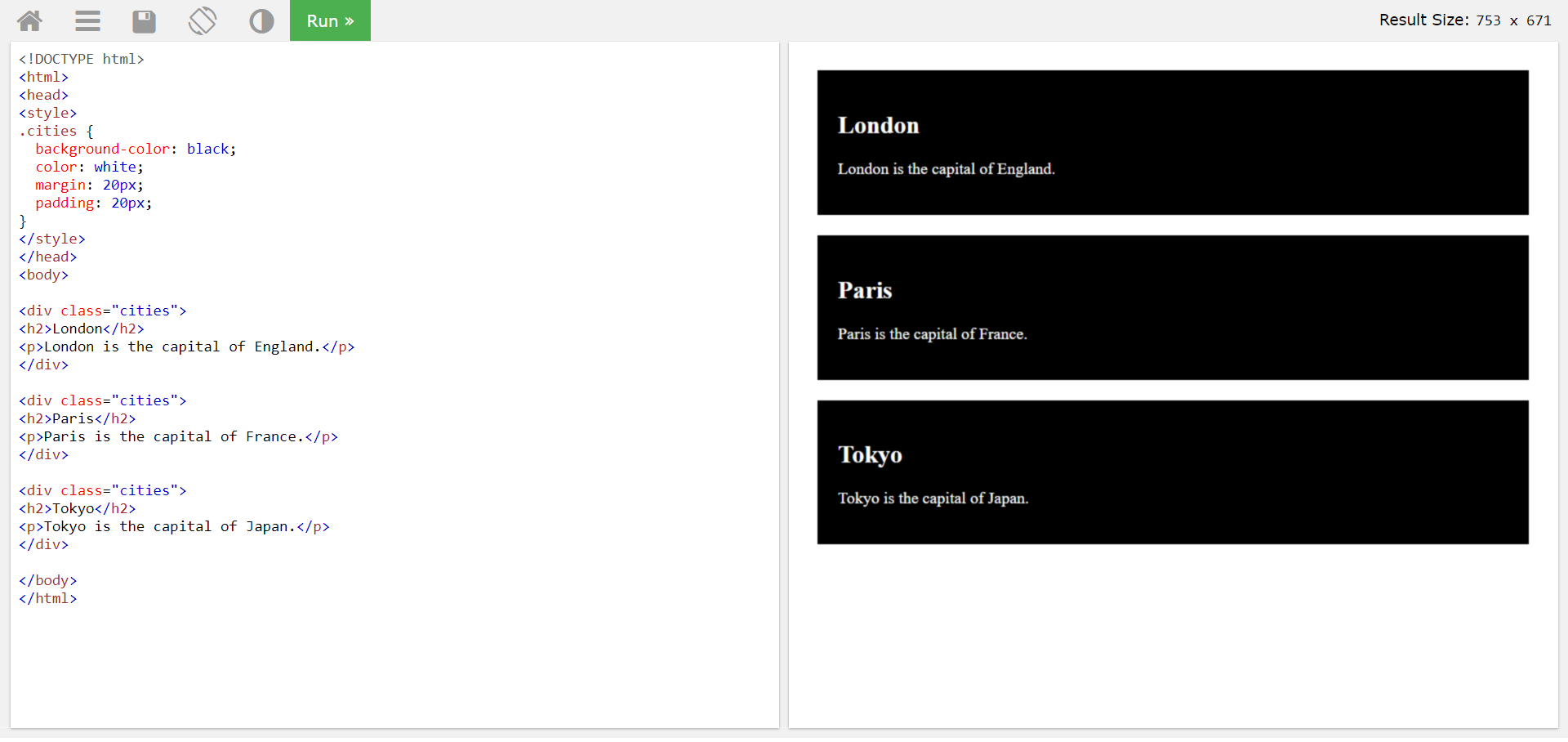
The most important things learned in HTML were attaching images, making classes and adding lists.
• CSS
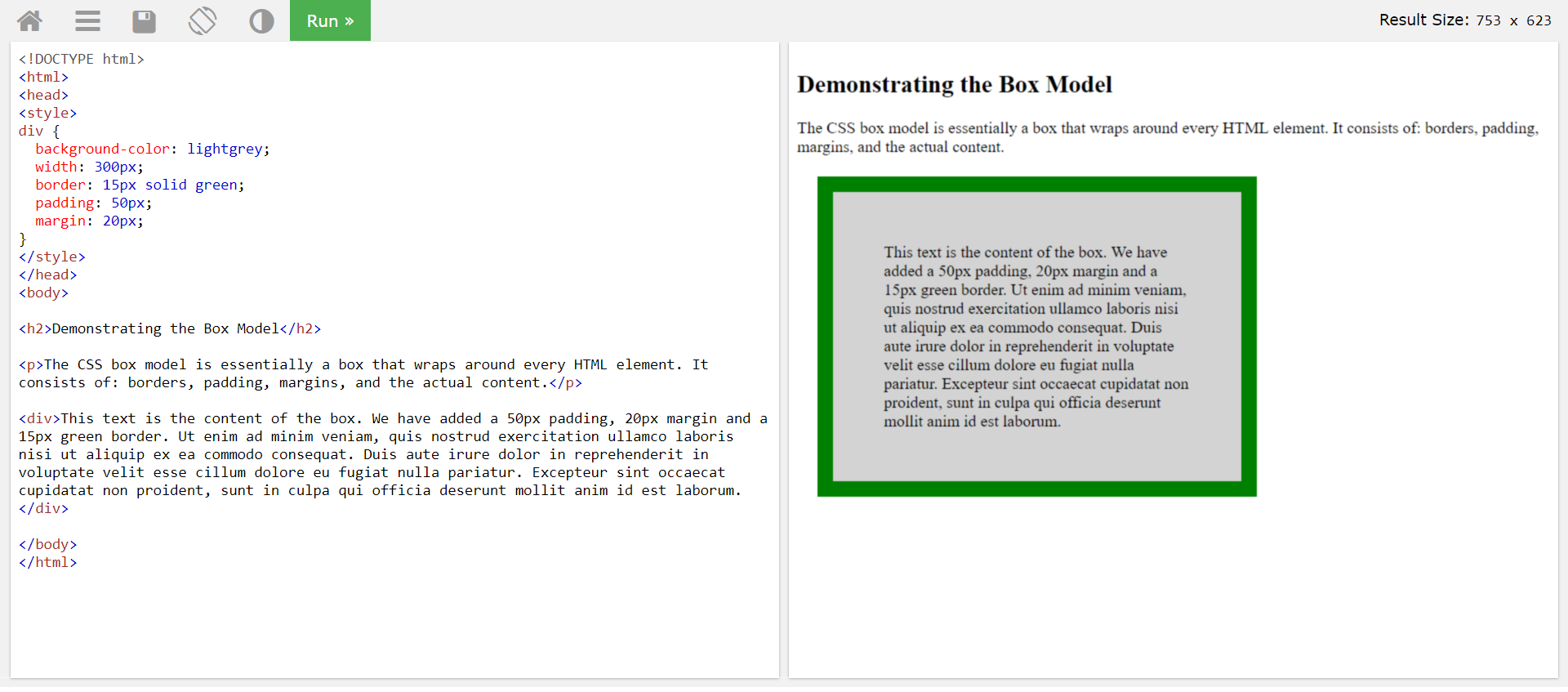
All HTML elements can be considered as boxes. In CSS, the term "box model" is used when talking about design and layout. The CSS box model is essentially a box that wraps around every HTML element. It consists of: margins, borders, padding, and the actual content.
• JavaScript
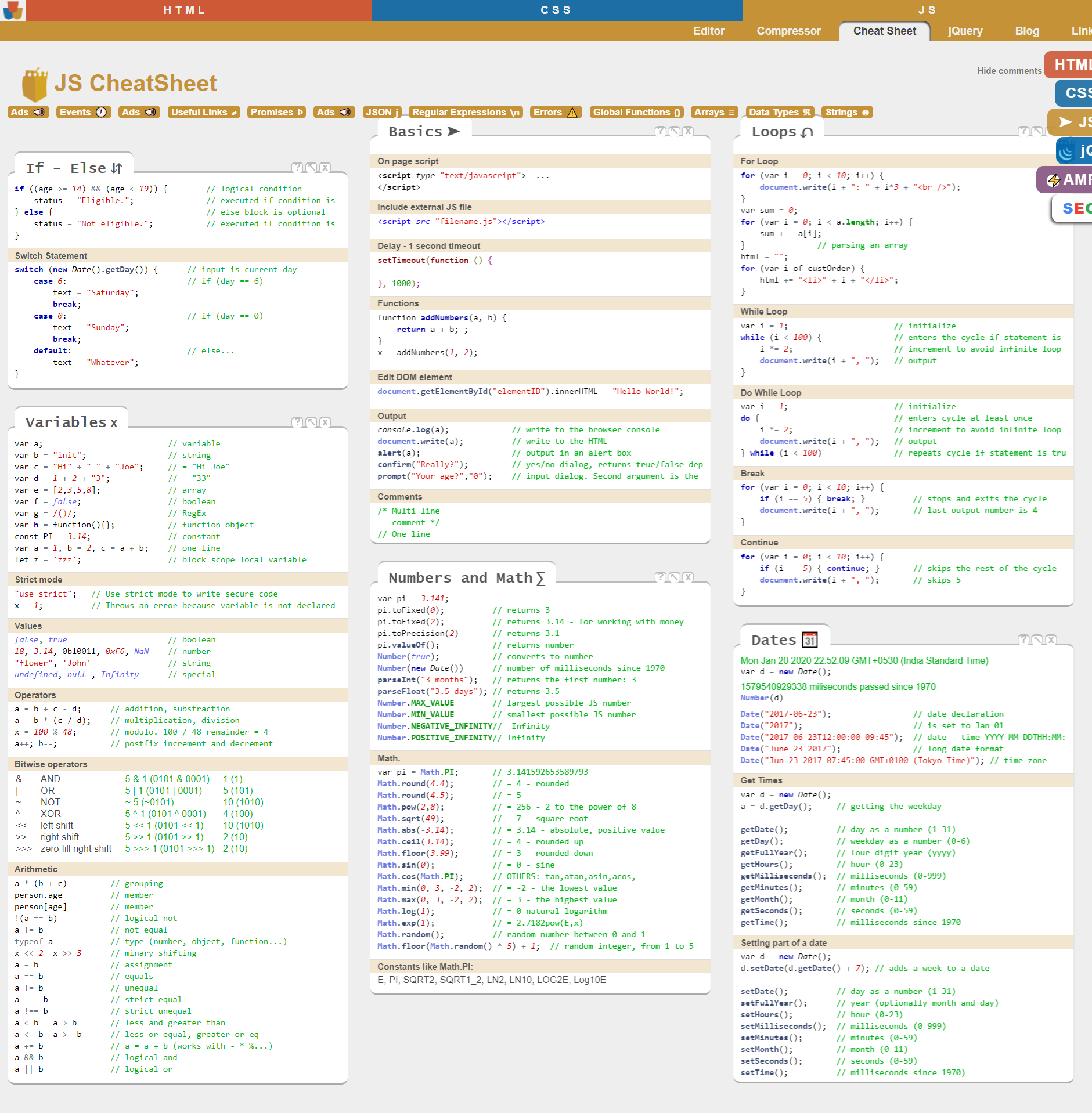
JavaScript is a scripting or programming language that allows us to implement complex features on web pages — every time a web page does more than just sit there and display static information for us to look at — displaying timely content updates, interactive maps, animated 2D/3D graphics, scrolling video jukeboxes, etc. — we can bet that JavaScript is probably involved.
• Bootstrap
DescriptionBootstrap is a free and open-source CSS framework directed at responsive, mobile-first front-end web development. It contains CSS- and JavaScript-based design templates for typography, forms, buttons, navigation and other interface components.
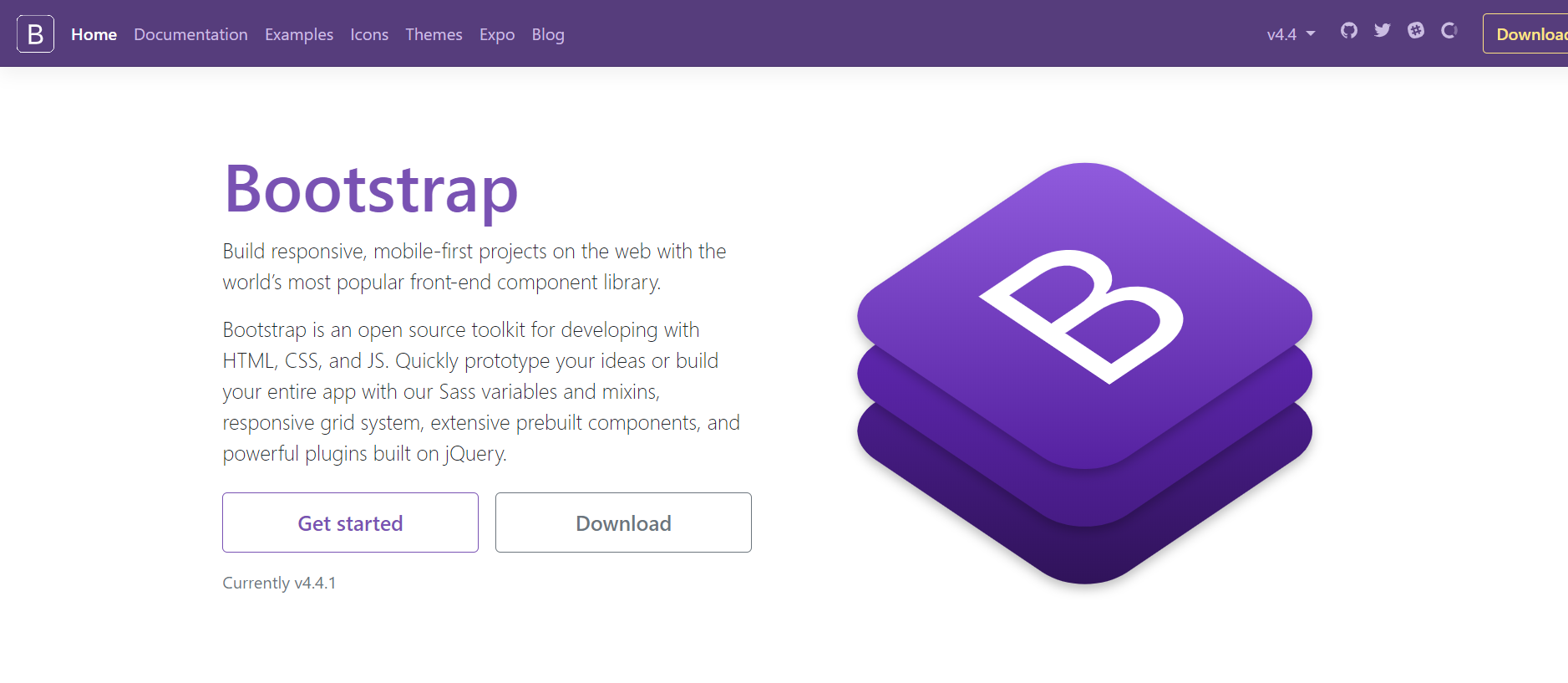
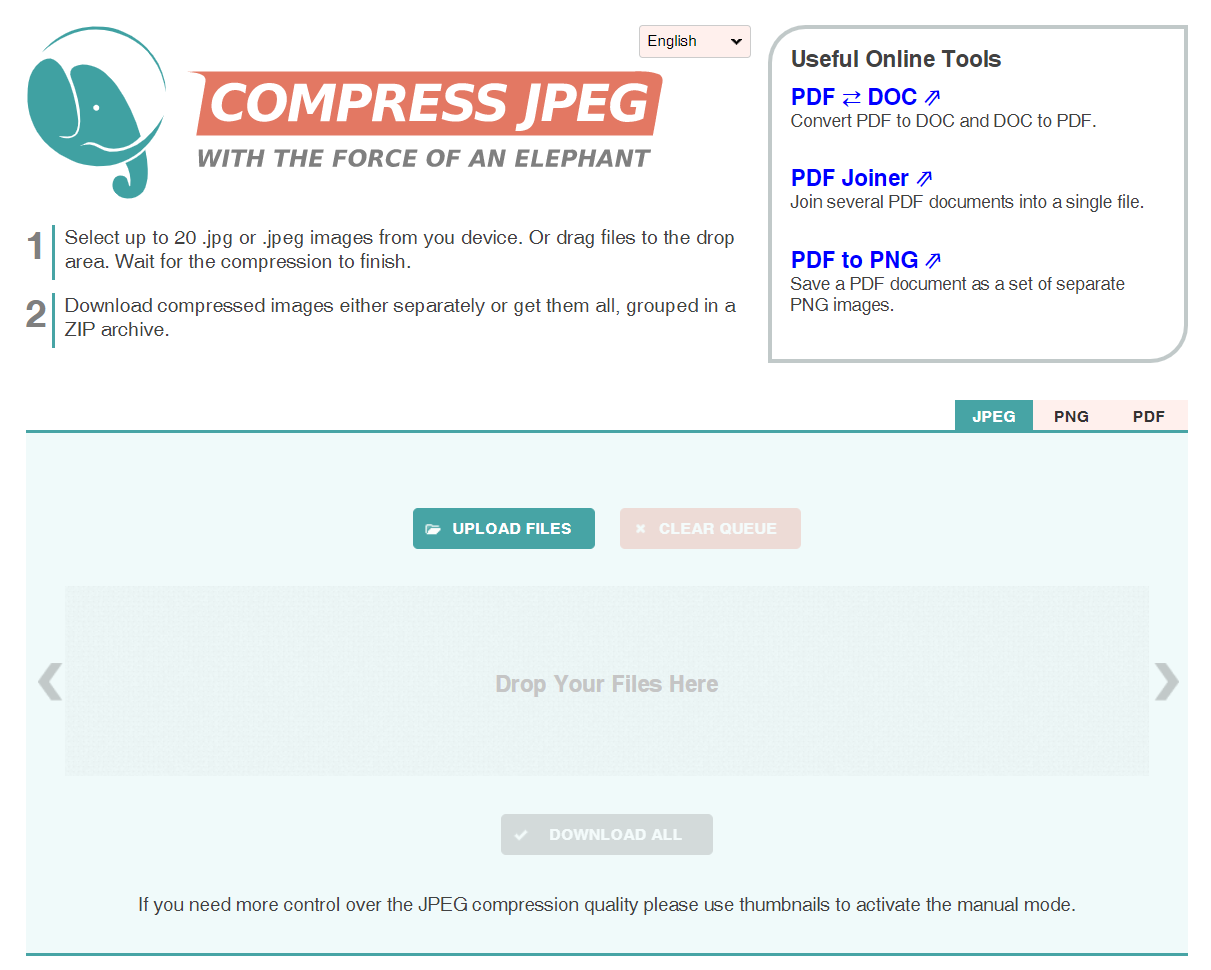
Image Compression
Compress JPEG
Batch compression of images was done on compressjpeg.com
Template
Colorlib
The template for this website was taken from colorlib.com
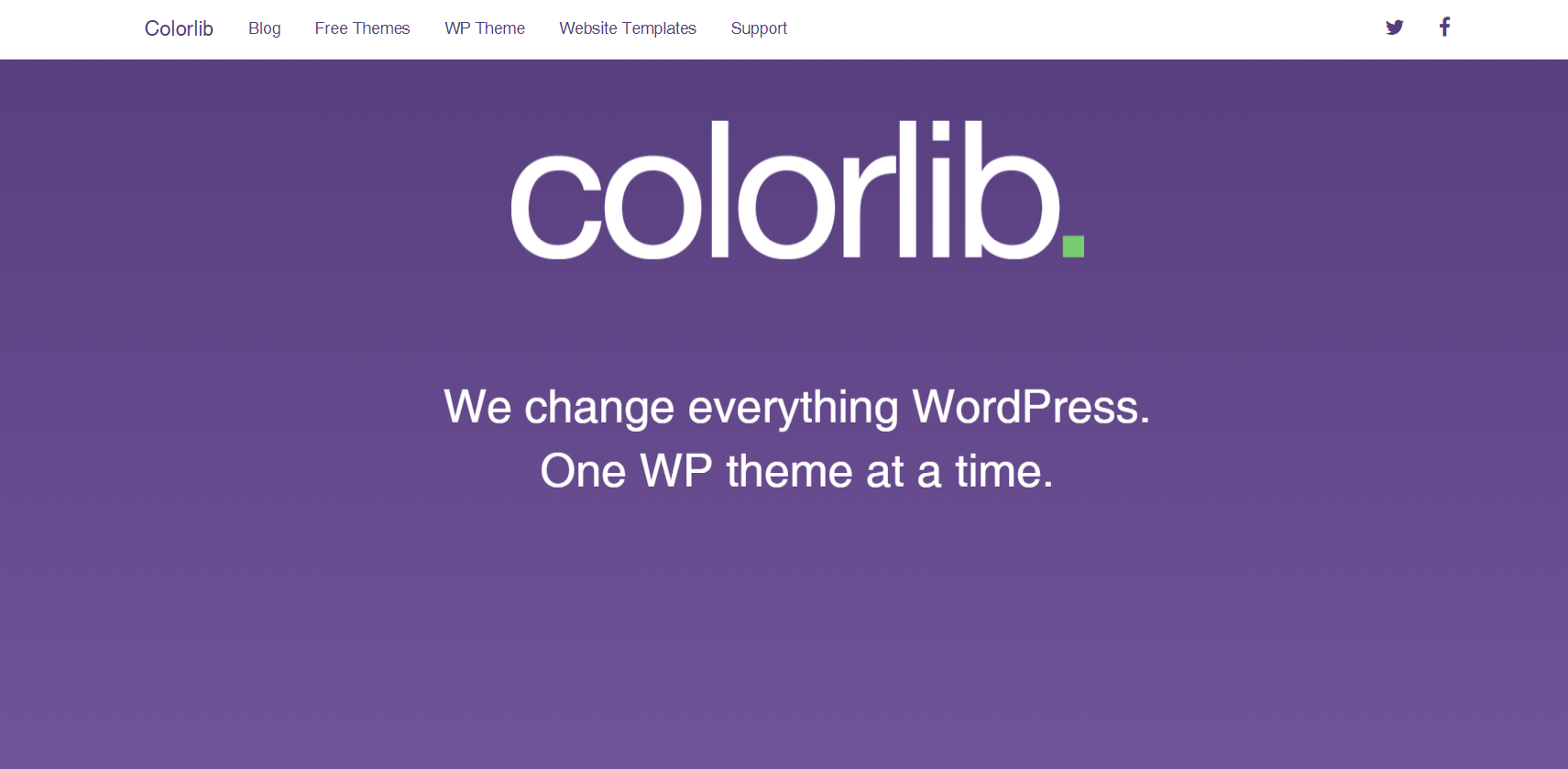
Colorlib provides downloadable templates for a variety of pages. The downloaded files include the HTML, CSS and JavaScript files of that particular template. For making changes to the template, I had to make changes to the HTML, CSS and JavaScript code. A basic understanding of these 3 languages is required to use the template. Keeping the basis ouline of the template provided to me, I played around the graphics and the text elements. Having decided my own Information Architecture for the site, I used the template to implement the same.
Conclusion
In conclusion, I'd like to say that the Assignment helped to understand how to implement HTML, CSS and JavaScript to make a website. I also learned uploading files on a server. The major problem that I faced was working with JavaScript. While HTML and CSS are relatively easy to understand, I had difficulty to getting a good hold of JavaScript in the given time. Another problem that I faced while using the template was with the allignment of different text and graphic elements. It took me a while to get the right allignment, but I was able to do it in the end. It was a long and challenging task, but I enjoyed the process and learnt a lot!