
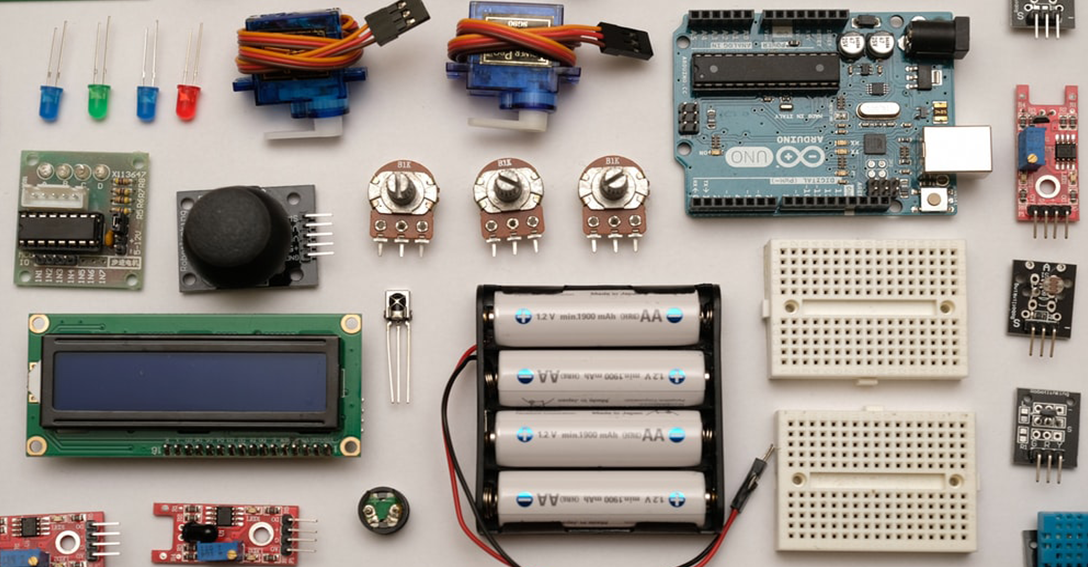
The fourth Assignment in DSL810: Prototyping in IoT, was divided in two parts. The first part was to find out the functions of various sensors present in our mobile phones, and to use the Google Science Journal App to conduct an experiment to measure and analyze the data from a sensor. The second part was to combine an input and output device together and collect data for an activity.
Part A
Sensors found in Smartphones
Here is the list of the main sensors that are found in smartphones:
• Accelerometer
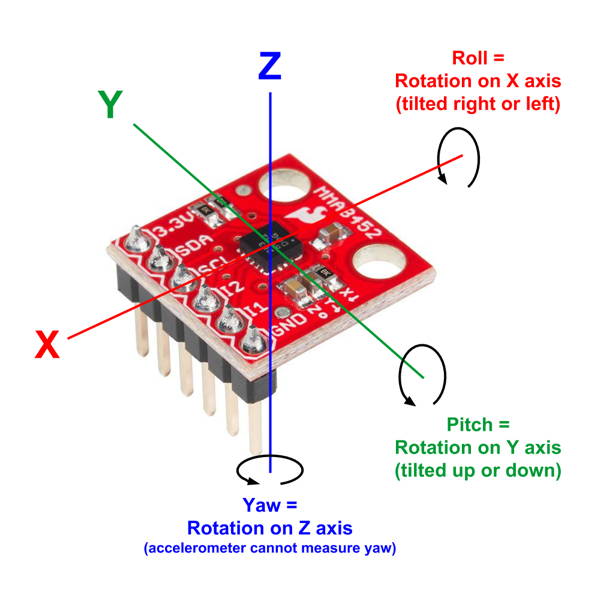
An accelerometer detects acceleration, vibration, and tilt to determine movement and exact orientation along the three axes. Apps use this smartphone sensor to determine whether your phone is in portrait or landscape orientation. It can also tell if your phone screen is facing upward or downward. The accelerometer can also detect how fast your phone is moving in any linear direction.
• Gyroscope
Gyroscope also provides orientation details and direction like up/down and left/right but with greater precision like how much the device is tilted. This is where it differs from accelerometer — gyroscope can measure rotation too but the former cannot. So it can tell how much a smartphone has been rotated and in which direction. Popular apps like Pokemon Go and Google Sky Map use gyroscope sensor to determine the direction towards which our phone is pointed.
• Magnetometer
Our smartphones are equipped with magnetometer which we commonly recognize as a compass. It can detect magnetic fields, so the compass app in phones uses this smartphone sensor to point at the planet’s north pole. Whenever you open Google Maps or Apple Maps, the magnetometer is fired up to determine which way the map should be. This sensor can detect metal very well, so it is used in metal detector apps too.
• GPS
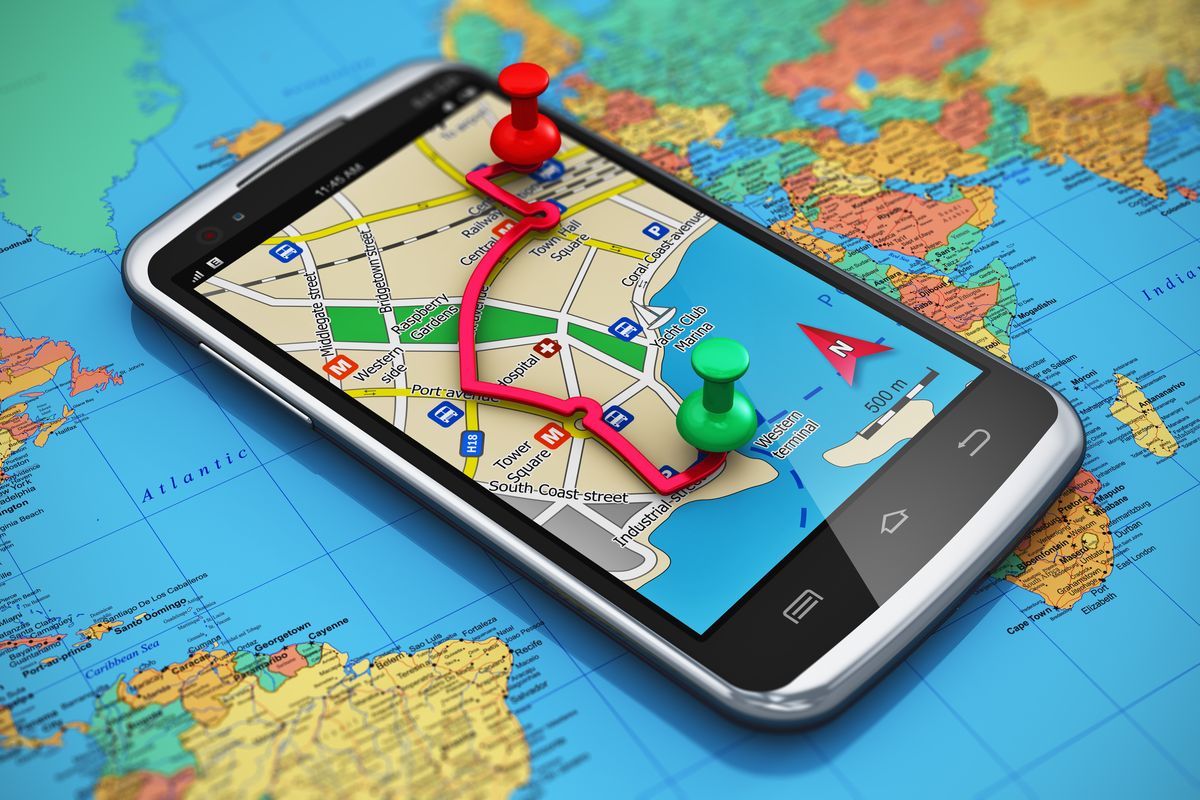
Global Positioning System (GPS) units in smartphone communicate with the satellites to determine our precise location on Earth. The GPS technology doesn’t actually use internet data this is why we can find our location on maps even after losing the signals, but the map itself is blurry as it requires internet to load the details — this is how offline map works. GPS is used in all location-based apps like Uber and Google Maps.
• Proximity Sensor
A proximity sensor makes use of an infrared LED and IR light detector to find out how close the phone is to an outside object. It used while making calls and when the phone is held to the face to make or receive a call, the sensor detects it and disables the touchscreen display to avoid unintended input through the skin.
• Ambient Light Sensor
The light sensor detects the lighting levels in the vicinity to adjust the display brightness accordingly. It is used in Automatic Brightness Adjuster to decrease or increase the brightness of the smartphone screen based on the availability of light.
• Barometer
There are many high-end Android phones like Pixel and iPhones that include a barometer in their hardware. The barometer measures the air pressure, so it is quite useful in detecting weather changes and in calculating the altitude you’re at.
• Touchscreen Sensor
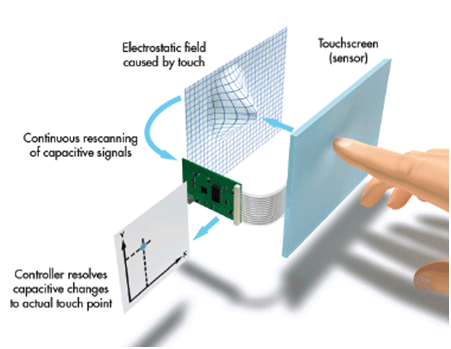
The smartphone sensors in a touchscreen have an electrical current passing through them at all times and touching the screen causes a change in the signals. This change acts as input for the device. Before Apple introduced the capacitive touchscreen, resistive screens were used in the display. But nowadays, the capacitive screen is used in almost all smartphones.
Science Journal App
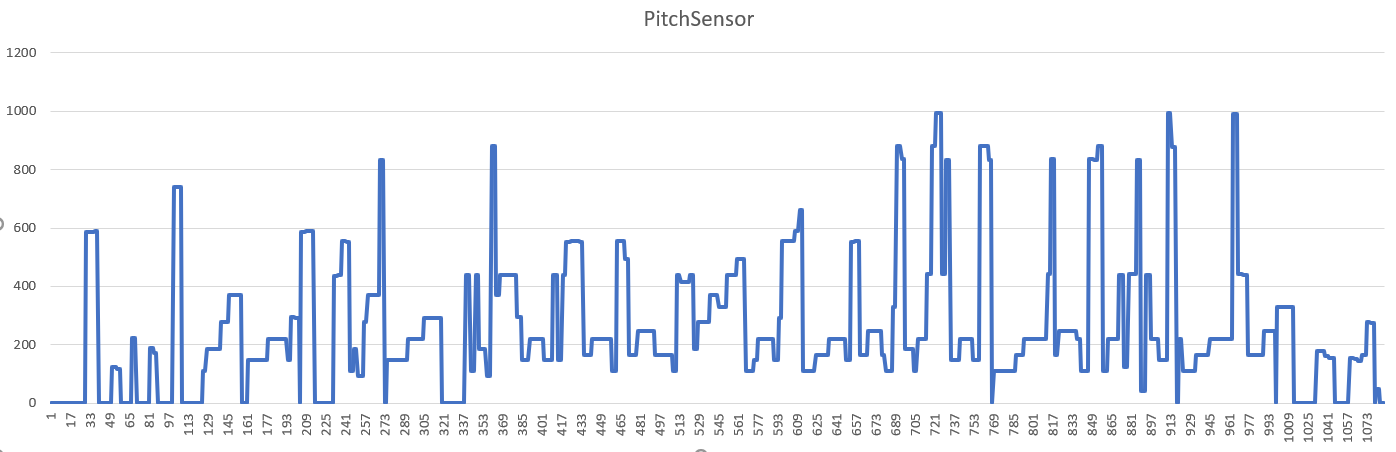
I decided to play "River Flows in You" by Yiruma on the keyboard and measure to pitch (Hz) using the Science Journal App. The maximum pitch during the recording was 992.8 Hz, while the average being 259 Hz. I found out that the pitch of every note on the keyboard was accurately determined by the Science Journal App, and it was precisely able to determine which note is being played. This feature of the app can be used to tune the musical instruments, such as Guitar and Piano.
Part B
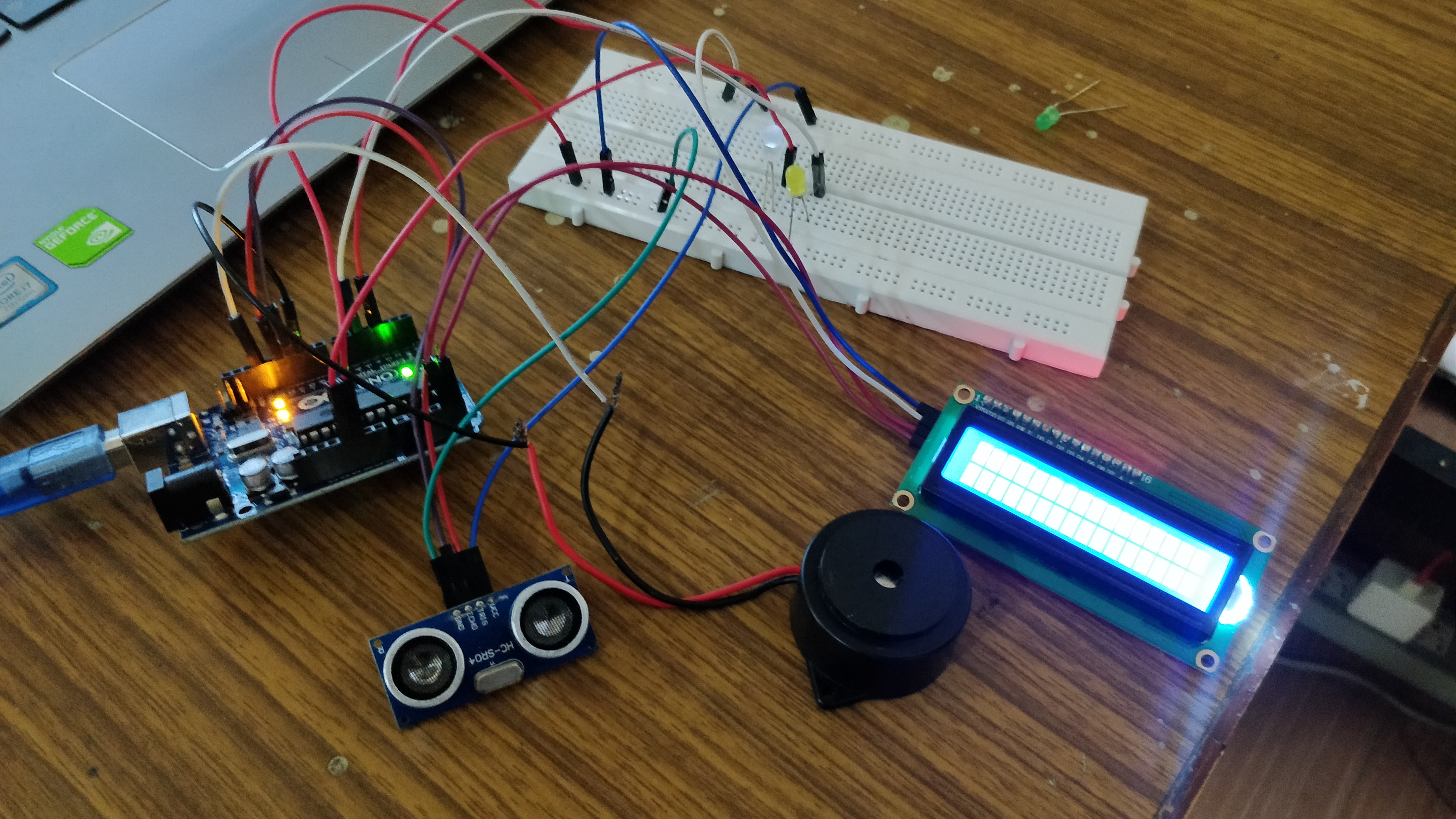
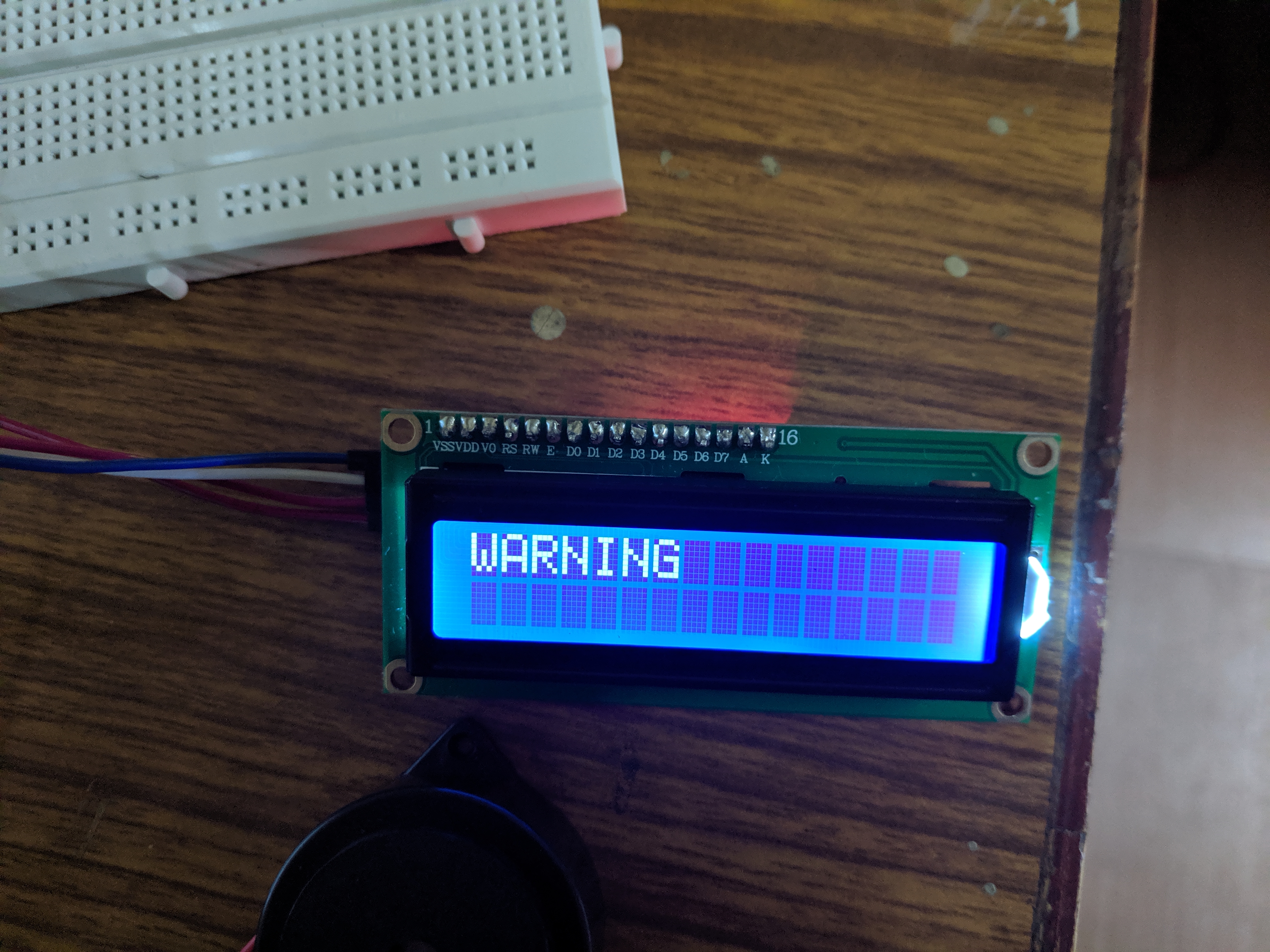
For the second part of my assignment, I decided to use the Ultrasonic sensor as the input device, and LEDs, buzzer & the LCD display as the output devices. I created a circuit that gives user a warning sign when an object is sufficiently close to the ultrasonic sensor. When the object is at a distance which is more the 12 cm from the source, the White LED is turned on and the LCD display shows "Safe Distance". However, when the object gets closer that 12cm from the sensor, the Yellow LED gets turned on, buzzer starts beeping and the LCD display shows "Warning".
Video
Code
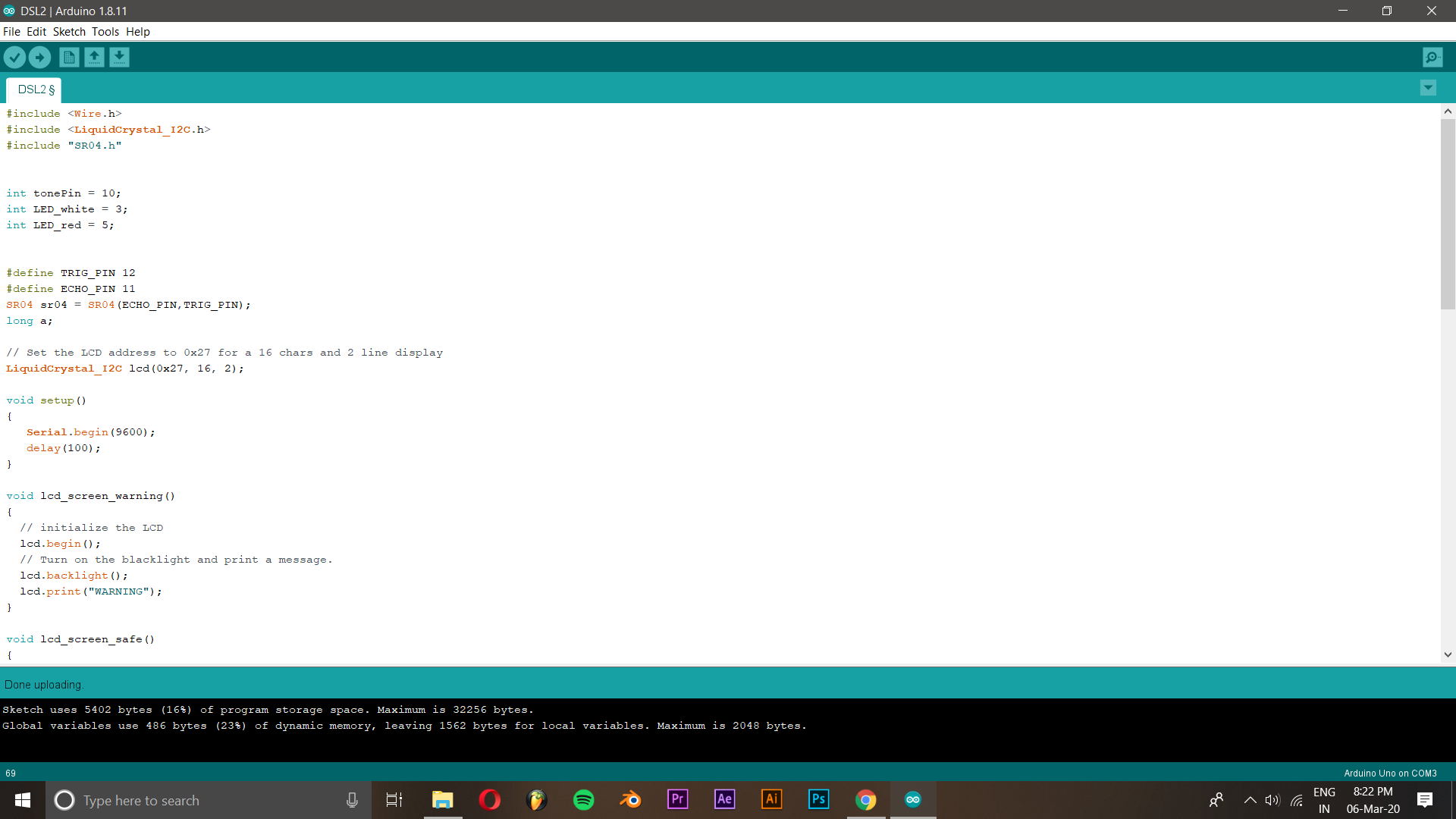
Please find the Arduino code:
Arduino Code Screenshot
Circuit
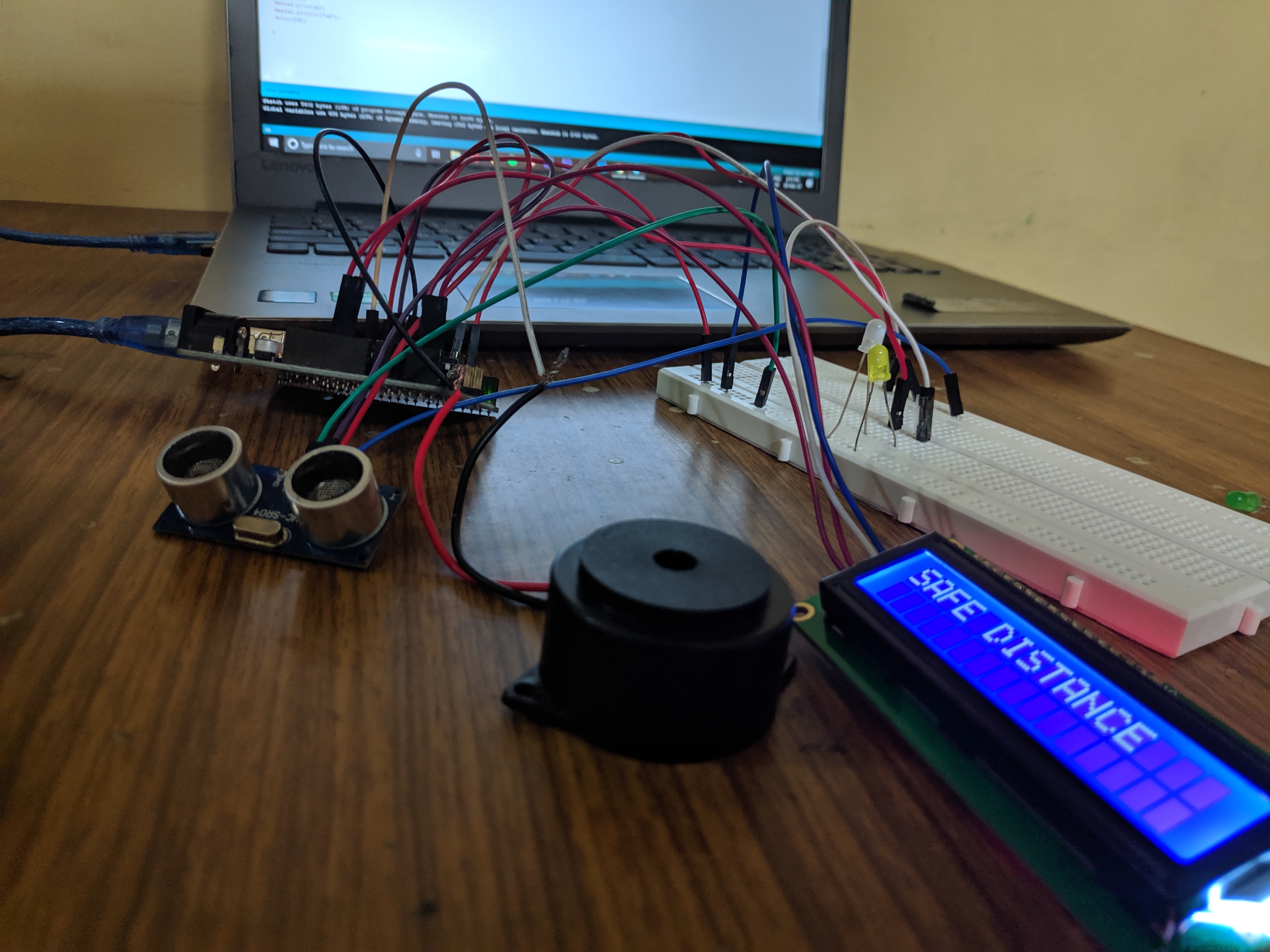
Data Analysis
Please find the Data Collected:
I collected the data from the serial monitor by changing the distance of the obstacle over time. The readings obtained have been exported and the graph has been plotted below. As soon as the distance gets less than 12cm, the "Warning sign" appears, indicated by the red line in the graph.
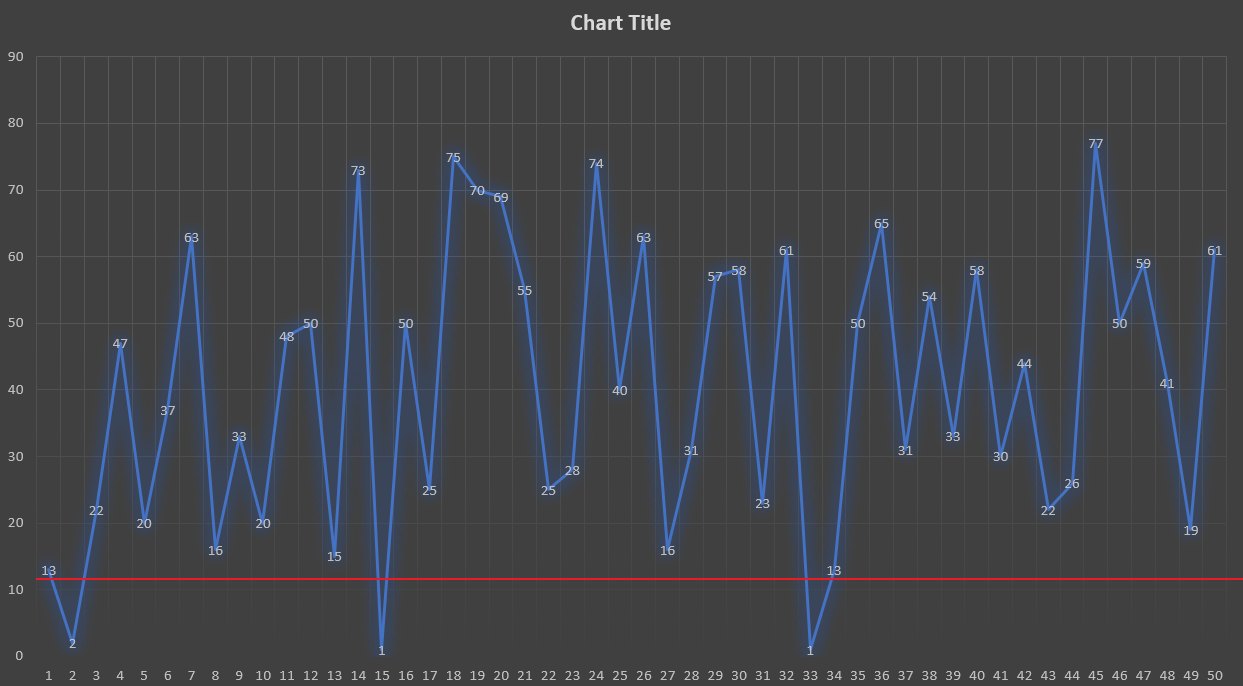
There are multiple applications for this device, as it allows a machine to keep a safe distance from an external obstacle. This can be used in petrol tanks, where we need to know when the capacity is full. It can also be implemented while reversing a car, where we need to know if we are at a safe distance from the nearby obstacles.